
OpenAI Sora Training Course
SPRING SUPER SALE! 1500+ COURSES AT ONLY £99 FOR LIFE. FIND OUT MORE
OpenAI Sora Training Course
OpenAI Sora Training Course
Overview
Welcome to the OpenAI Sora Training Course — your complete guide to mastering OpenAI’s Sora platform, transforming the way you interact with ChatGPT, streamline workflows, and create professional content.
The OpenAI Sora Training Course is designed for anyone who wants to take full advantage of OpenAI’s most advanced tools, including voice mode, writing canvas, ChatGPT Vision, advanced reasoning models, browser extensions, and desktop applications. Unlike basic tutorials, the OpenAI Sora Training Course goes deep into real-world use cases, productivity workflows, and advanced content creation techniques.
With the OpenAI Sora Training Course, you will learn how to:
-
Search efficiently across your entire ChatGPT account
-
Organise your projects for maximum productivity
-
Use voice mode to accelerate writing and brainstorming
-
Navigate and expand documents in the ChatGPT Canvas
-
Apply suggested edits and adjust reading levels for different audiences
-
Enhance content with strategic emoji use
-
Analyse and interpret images using ChatGPT Vision
-
Export polished content into Microsoft Word and other formats
-
Set up ChatGPT as your default search engine
-
Perform local searches and get directions instantly
-
Install and optimise the desktop application for full productivity
-
Execute advanced reasoning prompts for higher-quality outputs
By the end of the OpenAI Sora Training Course, you will not only be comfortable navigating Sora’s ecosystem but will also have developed repeatable workflows to produce high-quality, research-backed, and professional-grade outputs efficiently.
Course Description
The OpenAI Sora Training Course is a structured, module-based program that walks you through every essential feature and workflow in Sora, OpenAI’s cutting-edge platform. This course is designed for creators, researchers, students, and professionals who want to elevate their AI interaction from casual use to strategic implementation.
Unlike generic ChatGPT courses, the OpenAI Sora Training Course provides step-by-step guidance on integrating Sora into your everyday workflows. From managing large projects to refining complex documents, from using voice input to advanced reasoning prompts, this course covers every aspect of the platform.
Here’s a detailed breakdown of what the OpenAI Sora Training Course offers:
Module0001 – Course Overview and Learning Outcomes
The OpenAI Sora Training Course begins by outlining the course scope and learning objectives. You will understand how to measure success, what skills you will acquire, and how to structure your learning journey.
Module0002 – Searching Across Your Entire ChatGPT Account
Efficient search is crucial for productivity. In the OpenAI Sora Training Course, you will learn to:
-
Locate previous conversations quickly
-
Filter results based on date, topic, or project
-
Use search to retrieve high-value content efficiently
This ensures that nothing is lost in your ChatGPT history, maximizing the utility of your Sora workspace.
Module0003 – Organising Work with ChatGPT Projects
The OpenAI Sora Training Course teaches you how to set up structured projects within ChatGPT, enabling better workflow management and content tracking.
-
Organise multiple projects simultaneously
-
Categorise content for easy retrieval
-
Keep work in progress clearly structured
Module0004 – Using Voice Mode Effectively
Voice mode transforms your productivity. In this module of the OpenAI Sora Training Course, you will learn:
-
Best practices for dictation and commands
-
Converting spoken input into structured text
-
Speeding up brainstorming and content generation
-
Minimising errors and maintaining clarity
Module0005 – Accessing and Navigating the Writing Canvas
Canvas is where your ideas take shape. The OpenAI Sora Training Course covers:
-
Opening and navigating the Canvas
-
Understanding workspace layout and features
-
Integrating previous content into the Canvas
Module0006 – Expanding Documents within Canvas
In the OpenAI Sora Training Course, you’ll master techniques for expanding content:
-
Adding depth and detail to drafts
-
Using AI to generate supportive sections
-
Balancing structure and creativity
Module0007 – Working with ChatGPT’s Suggested Edits
Editing is more than correction. This module in the OpenAI Sora Training Course teaches you to:
-
Accept, reject, or modify suggested edits
-
Maintain consistent tone and style
-
Integrate feedback efficiently
Module0008 – Adjusting Reading Level and Complexity
Audience adaptation is crucial. The OpenAI Sora Training Course shows how to:
-
Modify reading level for different audiences
-
Simplify or enhance content complexity
-
Maintain clarity and engagement
Module0009 – Enhancing Writing with Emojis
Strategic emoji use can enhance tone. In the OpenAI Sora Training Course, you will learn how to:
-
Add emojis without overuse
-
Convey emotion and emphasis
-
Integrate visuals into professional content
Module0010 – Understanding Images with ChatGPT Vision
The OpenAI Sora Training Course teaches image analysis within Sora:
-
Upload and interpret images
-
Extract information from visual content
-
Integrate visuals into writing workflows
Module0011 – Exporting Content as a Microsoft Word Document
Efficiency requires interoperability. In this module of the OpenAI Sora Training Course, you will learn:
-
Exporting content seamlessly
-
Retaining formatting and structure
-
Preparing documents for professional use
Module0012 – Installing and Using the OpenAI Browser Extension
The OpenAI Sora Training Course covers setup and navigation of the browser extension:
-
Quick access to ChatGPT
-
Seamless integration with daily workflows
-
Streamlined research and content production
Module0013 – Setting ChatGPT as Your Default Search Engine
This module teaches how to make ChatGPT your primary search engine, enhancing productivity and workflow continuity within the OpenAI Sora Training Course.
Module0014 – Performing Local Searches and Getting Driving Directions
Sora is not just for content creation — it can also improve daily logistics. In the OpenAI Sora Training Course, you will learn:
-
How to perform local searches
-
Retrieve directions and location-based results
-
Integrate search results into your projects
Module0015 – Prompting Advanced Reasoning Models
The OpenAI Sora Training Course demonstrates advanced prompting strategies:
-
Using reasoning models for analysis
-
Generating structured and accurate outputs
-
Minimising errors in complex tasks
Module0016 – Installing and Using the Desktop Application
Desktop integration enhances productivity. The OpenAI Sora Training Course covers:
-
Installation and setup
-
Cross-device sync
-
Leveraging desktop features for advanced workflows
Modules0017 – 0020 – Sora Live Demonstrations
The OpenAI Sora Training Course includes four live demonstrations, giving you:
-
Step-by-step walkthroughs of real-world Sora workflows
-
Practical applications of learned skills
-
Integration of voice mode, Canvas, image analysis, and advanced reasoning
These demonstrations show the full power of Sora in professional environments.
Who Is This Course For?
The OpenAI Sora Training Course is designed for:
Professionals
Boost efficiency and produce high-quality reports and content.
Content Creators
Leverage advanced AI tools for articles, scripts, and multimedia workflows.
Students
Learn structured content creation and research methods.
Researchers
Organise and analyse data effectively using Sora.
Entrepreneurs
Use Sora for marketing content, documentation, and operational efficiency.
Educators
Produce teaching materials, summaries, and interactive content efficiently.
If you want to go beyond basic ChatGPT use and fully integrate AI into your workflow, the OpenAI Sora Training Course is perfect for you.
Frequently Asked Questions (FAQ)
1. Is the OpenAI Sora Training Course suitable for beginners?
Yes. The OpenAI Sora Training Course starts with basic search and project organisation, then advances to expert-level workflows.
2. Will I learn advanced AI prompting in the OpenAI Sora Training Course?
Absolutely. Prompting advanced reasoning models is a key component of the OpenAI Sora Training Course.
3. Does the OpenAI Sora Training Course include live demonstrations?
Yes. Four live walkthroughs demonstrate practical workflows, ensuring hands-on understanding.
4. Can I export content into Microsoft Word?
Yes. The OpenAI Sora Training Course teaches seamless exporting while maintaining formatting.
5. Does the OpenAI Sora Training Course cover ChatGPT Vision?
Yes. Image interpretation and integration are covered in dedicated modules.
6. Will this course help me improve productivity?
Yes. From voice mode to Canvas, the OpenAI Sora Training Course is designed to optimise your AI workflows for efficiency and quality.
Final Thoughts
The OpenAI Sora Training Course is your gateway to mastering OpenAI Sora for professional content creation, research, and productivity.
Instead of struggling with fragmented AI tools, you will learn structured workflows, advanced reasoning techniques, and real-world application strategies.
With the OpenAI Sora Training Course, you will:
-
Manage projects efficiently
-
Create professional content quickly
-
Analyse images and data effectively
-
Leverage advanced prompting for accurate outputs
-
Integrate Sora seamlessly into desktop and browser workflows
Enroll in the OpenAI Sora Training Course today and take full control of your AI-powered productivity ecosystem.
Extra Included :
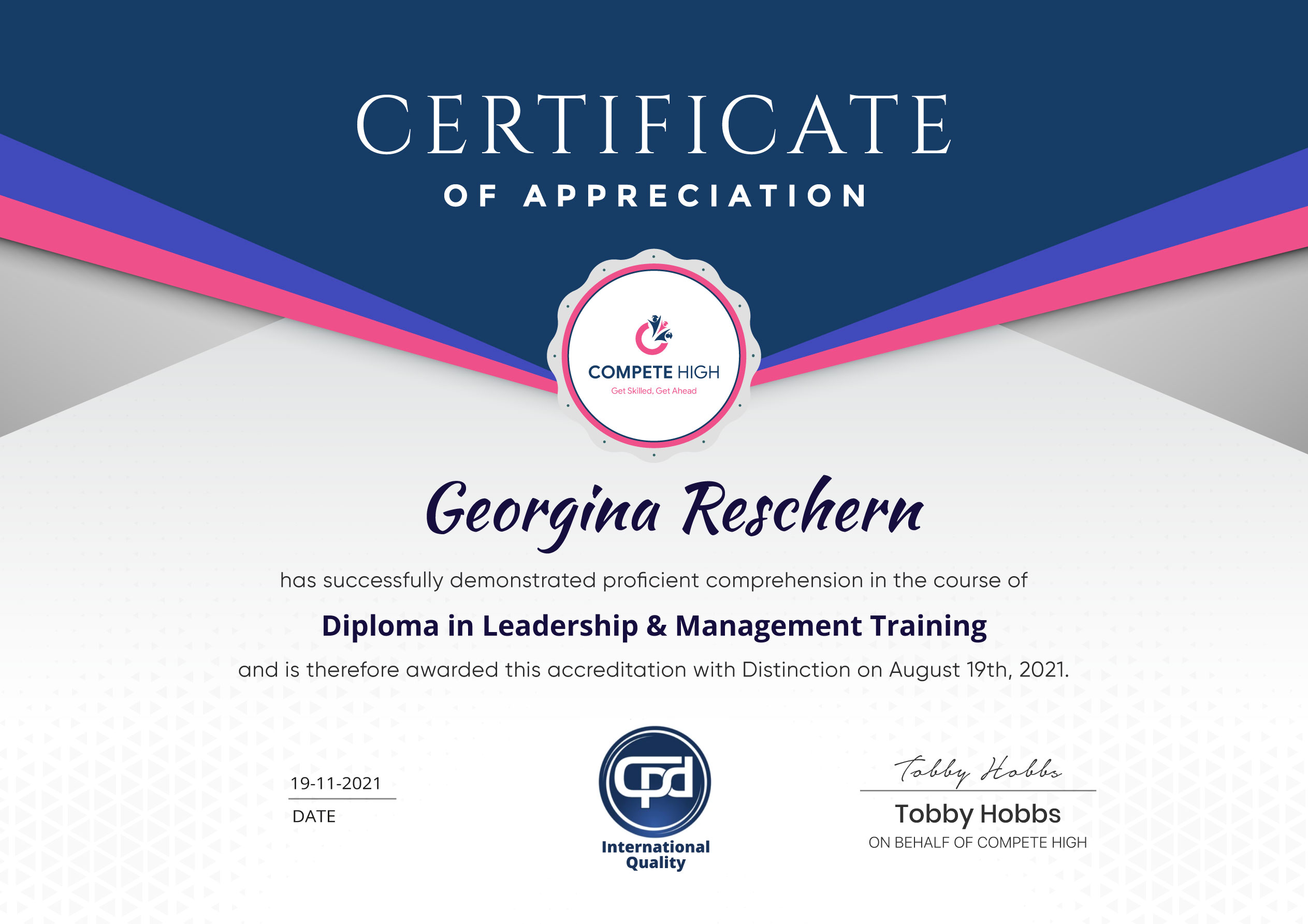
Accredited Certificate Available
Unlimited Access and Retakes
Free Enrollment Letter Included
CPD International Quality Accredited
Meets UK & EU legal requirements
Instant e-certificate and eligibility of ordering hardcopy
Developed by Industry Experts
Learn anytime from anywhere
Use any internet-connected device
24/7 Live Support
Discounts on bulk purchases
Certification
Perfect for showcasing your skills, boosting your career, and enhancing your professional profile.
Choose the format that works best for you:
-
PDF Certificate (£9.99) – Download instantly to add to your portfolio, résumé, LinkedIn, or share on social media.
-
Printed Hard Copy (£29.99) – A beautifully designed certificate delivered to your door, ready to proudly display in your office or home.
-
Both PDF & Printed Hard Copy (£31.99) – Get the best of both worlds!
Anyone that is looking to develop their skills in the subjects of the course or improve their professional outcomes are welcome to take these courses.
Our courses are assured and accredited by several organisations including CPD IQ, IOAS, CPD Group, and more. All of our courses are CPD accredited.
You are eligible for a course certificate upon completion. In some cases, you will need to purchase the certificate. In the purchase details, you will need to include the course details. Or you could also go to this link and submit your details after purchase.
There are all kinds of contents you can find on our site. This includes PDF files, videos, and extra materials. Also, most courses come with assessments that you will need to complete.
All you have to do is buy the course. This means that you have to add the course to cart and then complete the steps to purchase. Once you have completed the purchase, you can find it in your user dashboard.
Course Contents
Course Content
Module0001 – Course Overview and Learning Outcomes
-
Course Overview and Learning Outcomes
00:00
Module0002 – Searching Across Your Entire ChatGPT Account
Module0003 – Organising Work with ChatGPT Projects
Module0004 – Using Voice Mode Effectively
Module0005 – Accessing and Navigating the Writing Canvas
Module0006 – Expanding Documents within Canvas
Module0007 – Working with ChatGPT’s Suggested Edits
Module0008 – Adjusting Reading Level and Complexity
Module0009 – Enhancing Writing with Emojis
Module0010 – Understanding Images with ChatGPT Vision
Module0011 – Exporting Content as a Microsoft Word Document
Module0012 – Installing and Using the OpenAI Browser Extension
Module0013 – Setting ChatGPT as Your Default Search Engine
Module0014 – Performing Local Searches and Getting Driving Directions
Module0015 – Prompting Advanced Reasoning Models
Module0016 – Installing and Using the Desktop Application
Module0017 – Sora Live Demonstration: Part One
Module0018 – Sora Live Demonstration: Part Two
Module 0019 – Sora Live Demonstration: Part Three
Module0020 – Sora Live Demonstration: Part Four
Student Ratings & Reviews




Excellent
4.78 Average 173 Reviews
The courses are informative, easy to follow, and offer a wide range of topics to choose from.
The staff are incredibly friendly and responsive. I'm looking forward to returning for another course!
Thank you! I truly enjoyed my learning experience and found it to be both enriching and rewarding.
An incredibly straightforward course to follow, offering great insight into the subject. Many thanks.
All the courses are easily accessible, straightforward to understand, and highly informative.







Want to receive push notifications for all major on-site activities?