Microsoft Word 2016 Essentials (Basic to Advanced)
SPRING SUPER SALE! 1500+ COURSES AT ONLY £99 FOR LIFE. FIND OUT MORE
Microsoft Word 2016 Essentials (Basic to Advanced)
Microsoft Word 2016 Essentials (Basic to Advanced) is a fast, practical, and career-focused course designed for learners who want to master Word 2016 efficiently without spending months on lengthy programs. This course is intentionally shorter than other Word or document management courses, allowing students to complete it quickly and earn a certificate in record time. That speed makes it ideal for anyone looking to become job-ready, gain marketable computer skills, or improve productivity in professional or academic settings.
The course focuses on hands-on workflows and real-world applications, from basic document creation to advanced formatting, layouts, and collaborative features. Instead of overwhelming learners with theory, it emphasizes practical execution, clarity, and results-driven techniques. By completing Microsoft Word 2016 Essentials (Basic to Advanced), learners gain competence, confidence, and a certification that employers highly value.
Description
Microsoft Word 2016 Essentials (Basic to Advanced) teaches learners how to create, format, and manage documents professionally using Word 2016. The course begins with an in-depth look at the File Menu, covering document management, saving options, and advanced file settings. Learners then explore the Home Menu, including formatting, styles, and layout adjustments, allowing them to create professional-looking documents efficiently.
The course continues with detailed lessons on the Insert, Design, and Layout menus, helping learners integrate tables, images, headers, footers, and other content elements into documents. Advanced modules include References for citations, tables of contents, and Mailings for creating letters, labels, and envelopes. Review Menu lessons cover tracking changes, comments, and the Resume Assistant for professional document preparation.
View Menu tutorials and basic document creation modules guide learners in optimizing document display and formatting. The course also explains file type saving and compatibility options, ensuring learners can manage documents across multiple platforms.
Unlike longer programs, Microsoft Word 2016 Essentials (Basic to Advanced) focuses on practical, job-ready skills. The short format allows learners to earn certification quickly while gaining hands-on experience that can be applied immediately in office administration, content creation, professional writing, and remote work roles.
Who Is This Course For
Microsoft Word 2016 Essentials (Basic to Advanced) is perfect for beginners, students, career switchers, and professionals who want to gain comprehensive Word skills quickly. It is ideal for anyone entering office administration, content creation, documentation management, or professional writing who needs practical, marketable skills without committing to lengthy courses.
Freelancers, virtual assistants, and remote workers who create or manage documents will benefit from the hands-on approach. Business owners and entrepreneurs who want to create polished reports, proposals, or marketing materials will also find this course invaluable. If your goal is fast certification, practical experience, and immediate job readiness, this course is designed for you.
Key Learning Outcomes
-
Navigate Word 2016 menus efficiently: File, Home, Insert, Design, Layout, References, Mailings, Review, and View
-
Create, format, and style professional documents
-
Incorporate tables, images, headers, footers, and other design elements
-
Use references and tables of contents effectively
-
Manage mailings and document collaboration features
-
Save files in multiple formats for compatibility
-
Complete the course quickly and earn a recognized certificate
FAQ
How long does it take to complete the course?
The course is intentionally short and focused. Most learners can complete it quickly and earn a certificate faster than traditional Microsoft Word programs.
Will this course help me become job-ready?
Yes. Microsoft Word 2016 Essentials (Basic to Advanced) emphasizes practical, employer-relevant skills for document management, formatting, and office productivity.
Do I need prior experience with Word?
No prior experience is required. The course starts from foundational skills and builds hands-on proficiency step by step.
Can this course help me create professional reports and documents?
Absolutely. The course covers formatting, styles, references, tables, and collaboration features to produce polished, professional documents.
Is this course suitable for freelancers or remote workers?
Yes. The skills taught are directly applicable to freelance, remote, and contract-based roles that require document creation and management.
Conclusion
If you want a fast, practical, and career-focused way to master Microsoft Word 2016, Microsoft Word 2016 Essentials (Basic to Advanced) is the ideal choice. Its short completion time, hands-on curriculum, and rapid certification make it perfect for learners who want to gain professional Word skills quickly. By completing Microsoft Word 2016 Essentials (Basic to Advanced), you gain the confidence, knowledge, and certification needed to create, format, and manage documents efficiently—positioning yourself for office administration, content creation, professional writing, or remote work roles without the delays of longer programs.
Extra Included :
Accredited Certificate Available
Unlimited Access and Retakes
Free Enrollment Letter Included
CPD International Quality Accredited
Meets UK & EU legal requirements
Instant e-certificate and eligibility of ordering hardcopy
Developed by Industry Experts
Learn anytime from anywhere
Use any internet-connected device
24/7 Live Support
Discounts on bulk purchases
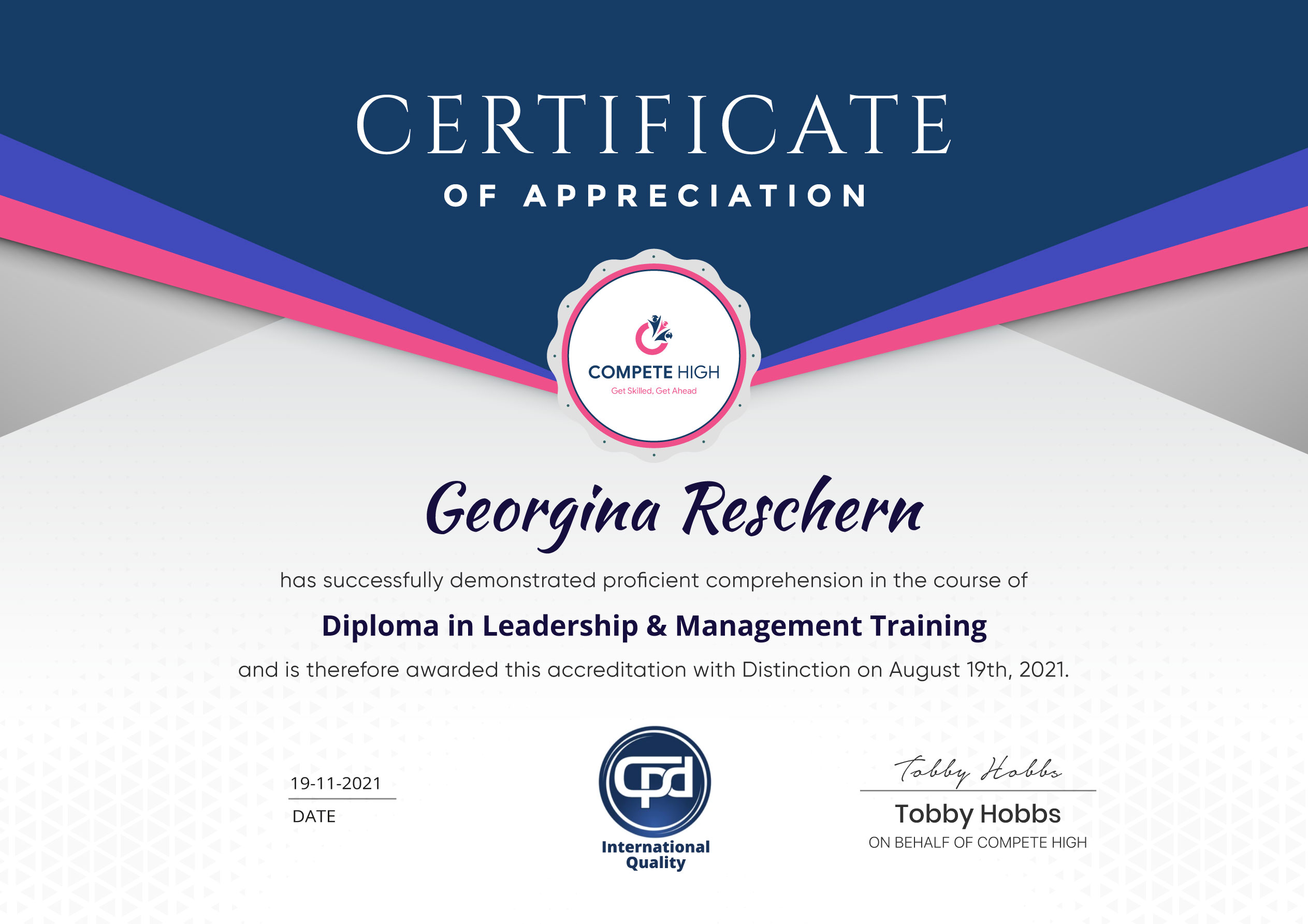
Certification
Perfect for showcasing your skills, boosting your career, and enhancing your professional profile.
Choose the format that works best for you:
-
PDF Certificate (£9.99) – Download instantly to add to your portfolio, résumé, LinkedIn, or share on social media.
-
Printed Hard Copy (£29.99) – A beautifully designed certificate delivered to your door, ready to proudly display in your office or home.
-
Both PDF & Printed Hard Copy (£31.99) – Get the best of both worlds!
Course Contents
Course Content
Basic
-
Overview
01:28 -
File Menu
03:02 -
File Menu – Part 2
01:28 -
Home Menu
02:13 -
Home Menu – Part 2 – Styles
03:21 -
Insert Menu
03:00 -
Insert Menu – Part 2
00:00 -
Design Menu
00:00 -
Layout Menu
00:00 -
References Menu
00:00 -
References Menu – Table Of Contents
00:00 -
Mailings Menu
00:00 -
Review Menu – Part 1
00:00 -
Review Menu – Part 2
00:00 -
Review Menu – Resume Assistant
00:00 -
View Menu
00:00 -
Basic Document Creation – Part 1
00:00 -
Basic Document Creation – Part 2
00:00 -
File Type Saving
00:00 -
Conclusion
00:00
Advanced
Student Ratings & Reviews


Excellent
4.78 Average 173 Reviews
The courses are informative, easy to follow, and offer a wide range of topics to choose from.
The staff are incredibly friendly and responsive. I'm looking forward to returning for another course!
Thank you! I truly enjoyed my learning experience and found it to be both enriching and rewarding.
An incredibly straightforward course to follow, offering great insight into the subject. Many thanks.
All the courses are easily accessible, straightforward to understand, and highly informative.