
Ultimate Broadcasting Guide for OBS

SPRING SUPER SALE! 1500+ COURSES AT ONLY £99 FOR LIFE. FIND OUT MORE
Ultimate Broadcasting Guide for OBS
Streaming and live broadcasting have become essential skills in today’s digital world, and the Ultimate Broadcasting Guide for OBS is designed to help you master these skills quickly and efficiently. Unlike traditional broadcasting courses that can be long and overwhelming, this course is short, practical, and focused, allowing learners to complete it fast and earn a certificate in a very short time.
The Ultimate Broadcasting Guide for OBS course is ideal for anyone who wants to become job-ready in streaming, content creation, or digital media. By learning to use OBS Studio effectively, learners can create professional-quality broadcasts, manage live production workflows, and enhance their employability in media, esports, and content creation industries.
Description
The Ultimate Broadcasting Guide for OBS course is a concise, hands-on program designed to teach learners how to broadcast professionally using OBS Studio. From setting up your stream to optimizing audio and video quality, the course provides practical, real-world guidance for both beginners and intermediate users.
Learners will explore essential broadcasting skills, including scene creation, source management, overlays, audio mixing, recording, and live streaming to platforms like Twitch, YouTube, and Facebook. The course also covers troubleshooting, workflow optimization, and tips for creating high-quality content that engages audiences.
A key advantage of the Ultimate Broadcasting Guide for OBS course is its fast-track format. It is intentionally shorter than other similar broadcasting programs, allowing learners to complete it quickly, earn a certificate, and immediately apply their skills in professional or freelance settings.
This course is designed with career readiness in mind, ensuring that learners not only understand OBS Studio but also develop the confidence and technical expertise to pursue roles in live streaming, video production, or content management.
Curriculum
Module 1: Introduction to OBS Studio
Learn the fundamentals of OBS Studio, including installation, interface navigation, and key settings for streaming and recording.
Module 2: Setting Up Scenes and Sources
Understand how to create professional-looking scenes, add multiple sources, and organize your broadcast layout for maximum engagement.
Module 3: Audio and Video Optimization
Master audio mixing, video settings, filters, and enhancements to deliver high-quality streams and recordings.
Module 4: Recording and Streaming Setup
Learn how to configure OBS for recording and live streaming on multiple platforms, including Twitch, YouTube, and Facebook.
Module 5: Overlays, Alerts, and Widgets
Discover how to add overlays, alerts, and widgets to make broadcasts more interactive and visually appealing.
Module 6: Workflow Management and Troubleshooting
Learn techniques for managing live workflows efficiently, troubleshooting common issues, and maintaining stream quality under pressure.
Module 7: Advanced Tips and Pro Techniques
Explore advanced OBS features, hotkeys, transitions, and automation to elevate your broadcasting skills.
Assignment:
Apply your learning by producing a live stream or recorded broadcast, demonstrating your ability to implement OBS features and create professional-quality content.
Who Is This Course For?
The Ultimate Broadcasting Guide for OBS course is perfect for:
-
Job seekers aiming for roles in live streaming, content creation, or digital media production
-
Gamers and streamers looking to create professional-quality broadcasts
-
Students and graduates seeking job-ready skills in media, video production, or esports
-
Freelancers wanting to offer OBS setup, streaming support, or content production services
-
Anyone interested in mastering OBS Studio and improving broadcast quality
This course is especially suited for learners who want fast, practical results. Its short duration allows you to complete it, earn a certificate, and immediately apply skills for professional or freelance opportunities.
FAQ
Q: How long does it take to complete the Ultimate Broadcasting Guide for OBS course?
A: The course is designed to be completed quickly, making it much shorter than traditional broadcasting programs. Most learners finish in a short time and receive their certificate immediately.
Q: Do I need prior broadcasting experience?
A: No. The Ultimate Broadcasting Guide for OBS course is suitable for beginners and provides clear, step-by-step guidance on using OBS Studio effectively.
Q: Will this course help me get a job?
A: Yes. The course teaches job-ready skills, including live streaming, video production, scene management, and audio/video optimization, which are highly valued in media, esports, and content creation industries.
Q: Is this course practical or theoretical?
A: The course is highly practical, focusing on real-world broadcasting workflows, setup, and optimization rather than abstract theory.
Q: How is this course different from other OBS programs?
A: Ultimate Broadcasting Guide for OBS is shorter, more focused, and designed for fast certification. It provides actionable skills that learners can immediately apply to professional or freelance broadcasting roles.
Q: Is the course delivered online?
A: Yes. The course is fully online and self-paced, allowing learners to study anytime and complete it according to their schedule.
Extra Included :
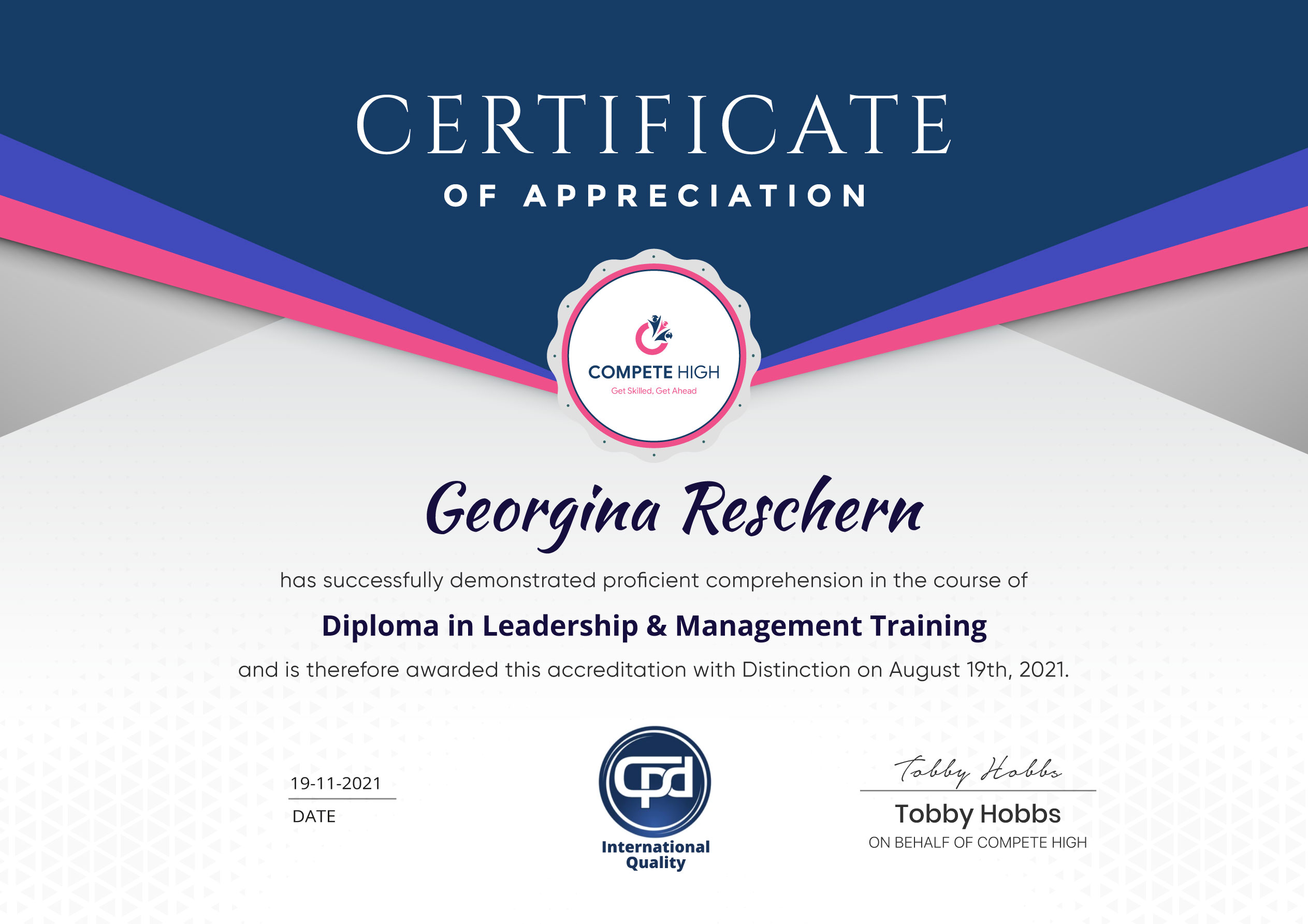
Accredited Certificate Available
Unlimited Access and Retakes
Free Enrollment Letter Included
CPD International Quality Accredited
Meets UK & EU legal requirements
Instant e-certificate and eligibility of ordering hardcopy
Developed by Industry Experts
Learn anytime from anywhere
Use any internet-connected device
24/7 Live Support
Discounts on bulk purchases
Certification
Perfect for showcasing your skills, boosting your career, and enhancing your professional profile.
Choose the format that works best for you:
-
PDF Certificate (£9.99) – Download instantly to add to your portfolio, résumé, LinkedIn, or share on social media.
-
Printed Hard Copy (£29.99) – A beautifully designed certificate delivered to your door, ready to proudly display in your office or home.
-
Both PDF & Printed Hard Copy (£31.99) – Get the best of both worlds!
Course Contents
Student Ratings & Reviews



Excellent
4.78 Average 173 Reviews
The courses are informative, easy to follow, and offer a wide range of topics to choose from.
The staff are incredibly friendly and responsive. I'm looking forward to returning for another course!
Thank you! I truly enjoyed my learning experience and found it to be both enriching and rewarding.
An incredibly straightforward course to follow, offering great insight into the subject. Many thanks.
All the courses are easily accessible, straightforward to understand, and highly informative.



Want to receive push notifications for all major on-site activities?