img
Offer Ends Soon
00:00:00
Get Courses for
£9.99
Use Coupon Code

Podcast Launchpad: Mastering iTunes Broadcasting

NEW YEAR SPECIAL! 1500+ COURSES AT ONLY £59 FOR LIFE. FIND OUT MORE


Podcast Launchpad: Mastering iTunes Broadcasting is a career-focused, fast-track course designed to help aspiring podcasters launch, optimize, and broadcast their content on iTunes. Unlike longer, more complex programs, this course is structured for rapid completion, allowing learners to gain certification quickly while acquiring practical, job-ready skills.

Through Podcast Launchpad: Mastering iTunes Broadcasting, students will learn every essential step of podcast creation—from recording high-quality audio to editing, repurposing content, and submitting it to iTunes for maximum reach. The course emphasizes hands-on experience, ensuring that learners leave not only with theoretical knowledge but also with practical expertise that is immediately applicable to professional or freelance podcasting careers.


Description

Podcast Launchpad: Mastering iTunes Broadcasting provides a complete roadmap for anyone looking to enter the podcasting world efficiently. The course begins with a focus on the minimum hardware and software solutions necessary to create professional-quality audio without overwhelming beginners. Learners explore tools such as Audacity for audio creation, Camtasia for recording and editing, and platforms like Anchor.fm, Blogtalkradio, freeconferencecall, Skype, and GoToWebinar for diverse content creation options.

The course also teaches how to repurpose live video content into audio, allowing creators to maximize existing material for podcasts. This approach not only saves time but also broadens audience reach and engagement. Learners will understand the full process of audio editing, including adding intros, reducing noise, and enhancing overall sound quality.

Podcast Launchpad: Mastering iTunes Broadcasting also covers podcast hosting and artwork creation, two critical elements for attracting listeners and establishing a professional brand. The course guides students through the step-by-step process of submitting their podcast to iTunes and other hosting platforms, ensuring their content reaches a global audience efficiently.

The concise format of this course makes it ideal for busy professionals or individuals eager to earn certification quickly. Students can complete Podcast Launchpad: Mastering iTunes Broadcasting faster than traditional programs, gaining not only a certificate but also the confidence and practical skills to produce high-quality podcasts that resonate with listeners.


Who Is This Course For?

Podcast Launchpad: Mastering iTunes Broadcasting is perfect for:

  • Aspiring podcasters who want to start their podcast efficiently and professionally.

  • Digital marketers seeking to expand their content strategy into audio.

  • Freelancers offering podcast creation or editing services.

  • Entrepreneurs and business owners looking to connect with audiences through audio content.

  • Career changers or students wanting to gain job-ready skills in digital media production.

No prior experience in podcasting is required. The course is structured to provide beginners with a clear, step-by-step pathway while offering intermediate learners tips to optimize workflow, editing, and distribution.


FAQ

How long does it take to complete the course?
Podcast Launchpad: Mastering iTunes Broadcasting is shorter than similar programs, designed for rapid completion so you can earn your certificate quickly.

Do I need expensive equipment to get started?
No. The course includes instructions for a minimum hardware and software setup, making it accessible to learners with basic resources.

Will I learn how to submit my podcast to iTunes?
Yes. The course guides you step-by-step through hosting, artwork creation, and submission to iTunes and other platforms.

Can I apply these skills professionally?
Absolutely. The course equips learners with job-ready skills that can be used in podcast production, content marketing, digital media, or freelance services.

Do I need prior audio editing experience?
No. Audio editing techniques, including noise reduction and intro addition, are covered in detail to ensure you can produce professional-quality content from day one.


Conclusion

Podcast Launchpad: Mastering iTunes Broadcasting is a practical, career-focused course designed to help learners create, edit, and distribute podcasts efficiently. With its fast-track format, hands-on training, and focus on professional application, the course allows students to complete certification quickly while gaining the expertise needed to succeed in the digital audio landscape.


Extra Included :

Accredited Certificate Available

Unlimited Access and Retakes

Free Enrollment Letter Included

CPD International Quality Accredited

Meets UK & EU legal requirements

Instant e-certificate and eligibility of ordering hardcopy

Developed by Industry Experts

Learn anytime from anywhere

Use any internet-connected device

24/7 Live Support

Discounts on bulk purchases

Certification

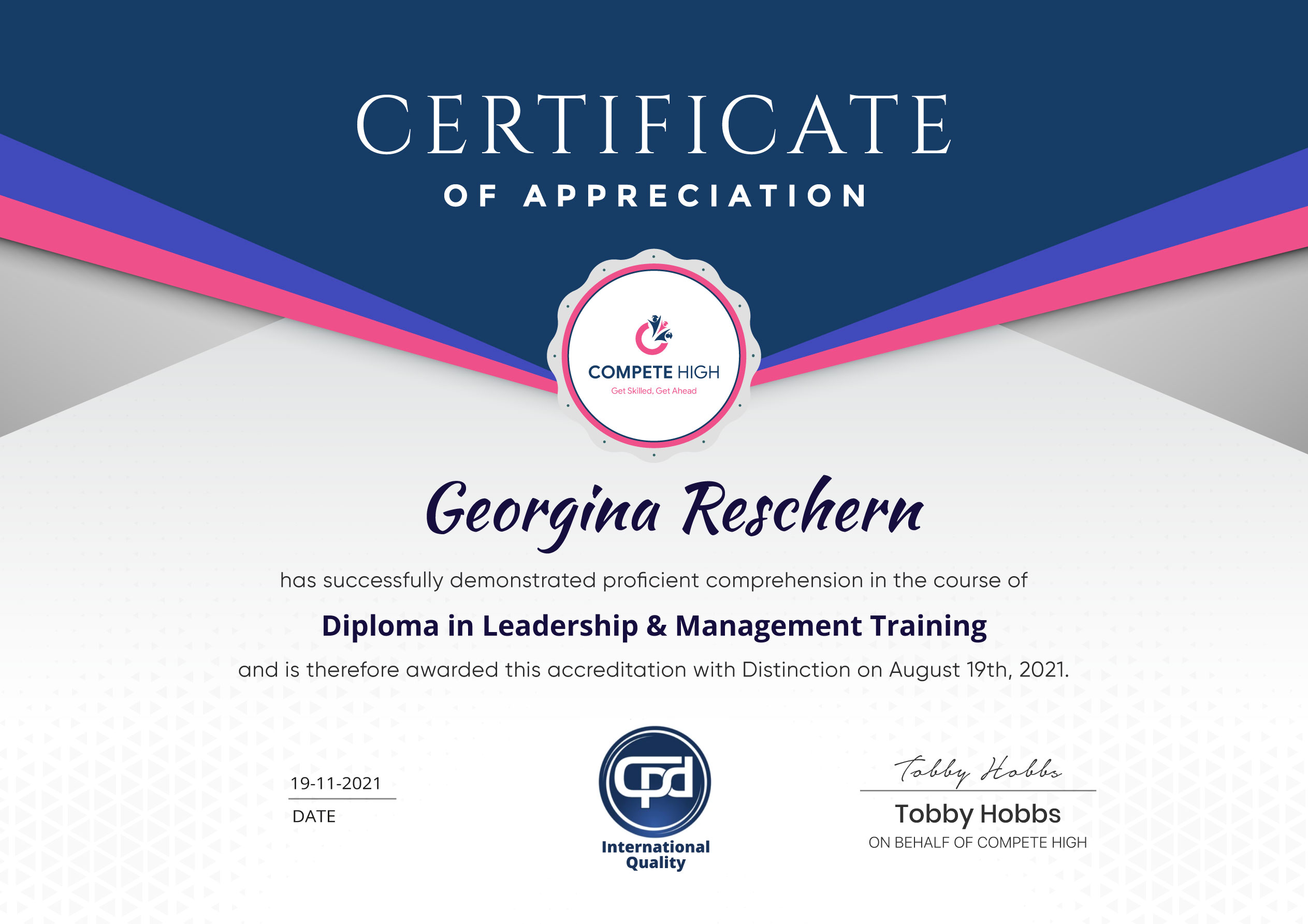
Celebrate your achievement with a CPD-IQ accredited certificate from CompeteHigh!
Perfect for showcasing your skills, boosting your career, and enhancing your professional profile.

Choose the format that works best for you:
  1. PDF Certificate (£9.99) – Download instantly to add to your portfolio, résumé, LinkedIn, or share on social media.
  2. Printed Hard Copy (£29.99) – A beautifully designed certificate delivered to your door, ready to proudly display in your office or home.
  3. Both PDF & Printed Hard Copy (£31.99) – Get the best of both worlds!
Image

Course Contents

Course Content

Basic

  • Overview
    00:00
  • Minimum Hardware Solution
    00:00
  • Minimum Software Solution
    00:00
  • Audacity Audio Creation
    00:00
  • Camtasia Audio Content Creation
    00:00
  • Anchor.fm Audio Content Creation
    00:00
  • Blogtalkradio-Audio-Content-Creation
    00:00
  • freeconferencecall-audio-content-creation
    00:00
  • Skype – Audio Content Creation
    00:00
  • GoToWebinar – Audio Content Creation
    00:00
  • Repurpose Live Video Into Audio
    00:00
  • Repurpose Live Vide Into Audio – Part 2
    00:00
  • Repurpose Live Vide Into Audio – Part 2
    00:00
  • Audio Editing and Addition of Intro
    00:00
  • Audio Editing – Noise Reduction
    00:00
  • Podcast Hosting
    00:00
  • Podcast Artwork
    00:00
  • Submitting Your Podcast – Part 1
    00:00
  • Submitting Your Podcast – Part 2 – Hosting Sites
    00:00
  • Conclusion
    00:00

Advanced

Student Ratings & Reviews

No Review Yet
No Review Yet
Image Image Image

Excellent

4.78 Average 173 Reviews

Kevin

The courses are informative, easy to follow, and offer a wide range of topics to choose from.

19th March, 2025
Andy

The staff are incredibly friendly and responsive. I'm looking forward to returning for another course!

5th March, 2025
Polly

Thank you! I truly enjoyed my learning experience and found it to be both enriching and rewarding.

19th February, 2025
Bailey

An incredibly straightforward course to follow, offering great insight into the subject. Many thanks.

28th January, 2025
Elsie

All the courses are easily accessible, straightforward to understand, and highly informative.
15th January, 2025

Want to receive push notifications for all major on-site activities?