
Microsoft Excel 2019 – Intermediate Level Training
NEW YEAR SPECIAL! 1500+ COURSES AT ONLY £99 FOR LIFE. FIND OUT MORE
Microsoft Excel 2019 – Intermediate Level Training
Modern workplaces rely heavily on data, accuracy, and efficiency, making intermediate Excel skills a must-have for career growth. Microsoft Excel 2019 – Intermediate Level Training is a professionally designed course that builds on basic Excel knowledge and transforms learners into confident, job-ready users. This course focuses on practical, real-world Excel applications that employers actively seek across industries such as finance, administration, marketing, operations, and data support roles.
One of the biggest advantages of this program is its shorter duration compared to traditional Excel courses. Learners can complete the training quickly and earn a recognized certificate incredibly fast. The course is structured to remove unnecessary theory and focus on essential skills that directly improve employability and workplace performance.
Description
Microsoft Excel 2019 – Intermediate Level Training bridges the gap between beginner knowledge and advanced professional capability. The course begins by strengthening intermediate Excel concepts, ensuring learners are comfortable managing structured data and working efficiently with lists and tables.
As the course progresses, learners gain hands-on experience using database functions and data validation techniques to improve data accuracy and integrity. These skills are critical for real workplace scenarios where clean, reliable data is essential for reporting and decision-making.
The program also covers importing and exporting data, allowing learners to move information between systems with ease. This is followed by creating basic charts that visually communicate insights clearly and professionally. Pivot tables are introduced to help learners summarize and analyze large datasets quickly, a skill highly valued by employers.
Another key focus of Microsoft Excel 2019 – Intermediate Level Training is working with large data sets using lookup functions and advanced formulas. These tools enable learners to extract insights efficiently, automate calculations, and improve productivity.
The course concludes by reinforcing advanced functions and best practices, ensuring learners leave with practical confidence. Because the program is shorter than similar offerings, learners can gain these valuable skills without long-term time commitments, making it ideal for rapid upskilling and fast certification.
Curriculum
-
Section 1: Excel – Intermediate
-
Section 2: Lists
-
Section 3: Database Functions
-
Section 4: Data Validation
-
Section 5: Importing and Exporting
-
Section 6: Creating Basic Charts
-
Section 7: Pivot Tables
-
Section 8: Working with Large Data
-
Section 9: Lookup Functions
-
Section 10: Advanced Functions
-
Section 11: Excel Intermediate – Conclusion
Each section is designed to be practical, focused, and aligned with workplace requirements.
Who Is This Course For?
Microsoft Excel 2019 – Intermediate Level Training is ideal for individuals who already have basic Excel knowledge and want to move forward quickly. It is perfectly suited for office professionals, administrative staff, junior analysts, students, and job seekers who want to improve their employability.
This course is also valuable for professionals looking to change careers or return to the workforce with updated skills. Employers consistently rank intermediate Excel proficiency as a core requirement, making this training a strong addition to any CV.
Because the program is fast and focused, it is especially beneficial for learners who want to become job-ready in the shortest possible time while earning a certificate that demonstrates practical competence.
FAQ
How long does it take to complete the course?
The course is intentionally shorter than most intermediate Excel programs, allowing learners to complete it quickly and receive certification fast.
Do I need prior Excel experience?
Yes, basic Excel knowledge is recommended. This course builds on existing skills and moves learners toward professional-level competence.
Will this course help me get a job?
Absolutely. Microsoft Excel 2019 – Intermediate Level Training focuses on job-ready skills that are widely used across industries and highly valued by employers.
Is the course practical or theoretical?
The training is highly practical, with real-world examples and hands-on exercises designed to reflect workplace tasks.
Can I study at my own pace?
Yes. The course is fully self-paced, allowing learners to complete it around their schedule while still finishing quickly.
What makes this course different from others?
Unlike longer programs, Microsoft Excel 2019 – Intermediate Level Training delivers essential skills in a shorter time frame, helping learners gain certification and career readiness faster.
Extra Included :
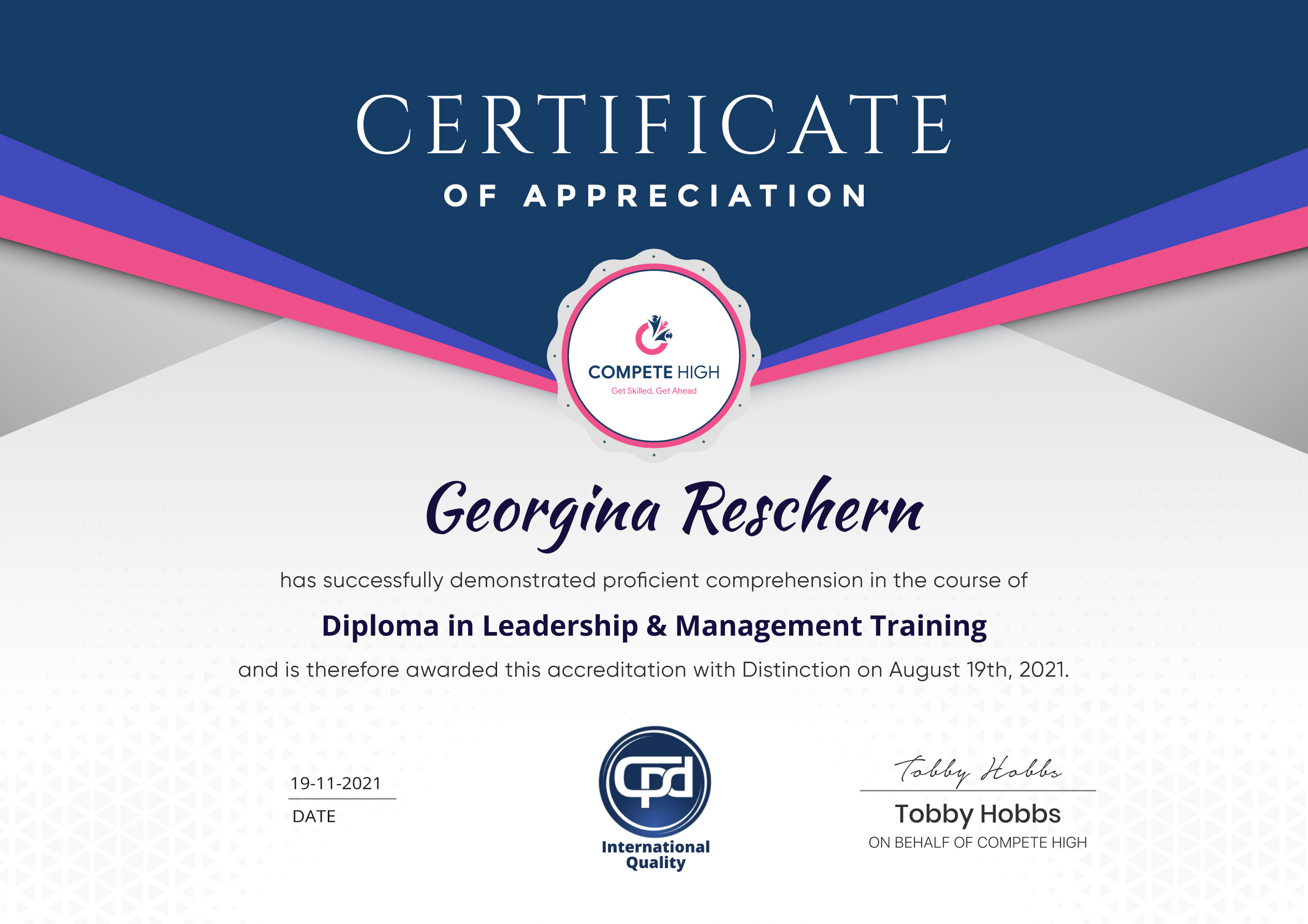
Accredited Certificate Available
Unlimited Access and Retakes
Free Enrollment Letter Included
CPD International Quality Accredited
Meets UK & EU legal requirements
Instant e-certificate and eligibility of ordering hardcopy
Developed by Industry Experts
Learn anytime from anywhere
Use any internet-connected device
24/7 Live Support
Discounts on bulk purchases
Certification
Perfect for showcasing your skills, boosting your career, and enhancing your professional profile.
Choose the format that works best for you:
-
PDF Certificate (£9.99) – Download instantly to add to your portfolio, résumé, LinkedIn, or share on social media.
-
Printed Hard Copy (£29.99) – A beautifully designed certificate delivered to your door, ready to proudly display in your office or home.
-
Both PDF & Printed Hard Copy (£31.99) – Get the best of both worlds!
Course Contents
Course Content
Section 1 – Excel – Intermediate
-
Excel Intermediate Introduction
00:00 -
Intermediate Shortcut Keys
00:00
Section 2 – Lists
Section 3 – DataBase Functions
Section 4 – Data Validation
Section 5 – Importing and Exporting
Section 6 – Creating Basic Charts
Section 7 – Pivot Tables
Section 8 – Working with Large Data
Section 9 – LookUp Functions
Section 10 – Advanced Functions
Section 11 – Excel Intermediate – Conclusion
Student Ratings & Reviews




Excellent
4.78 Average 173 Reviews
The courses are informative, easy to follow, and offer a wide range of topics to choose from.
The staff are incredibly friendly and responsive. I'm looking forward to returning for another course!
Thank you! I truly enjoyed my learning experience and found it to be both enriching and rewarding.
An incredibly straightforward course to follow, offering great insight into the subject. Many thanks.
All the courses are easily accessible, straightforward to understand, and highly informative.







Want to receive push notifications for all major on-site activities?