
Microsoft Excel 2016 (Basic to Advanced)
SPRING SUPER SALE! 1500+ COURSES AT ONLY £99 FOR LIFE. FIND OUT MORE
Microsoft Excel 2016 (Basic to Advanced)
Microsoft Excel 2016 (Basic to Advanced) is a fast, practical, and career-focused course designed for learners who want to master Excel efficiently without spending months on lengthy programs. This course is intentionally shorter than other Excel or spreadsheet courses, allowing students to complete it quickly and earn a certificate in record time. That speed makes it ideal for anyone looking to become job-ready, gain marketable skills, or boost productivity in professional or academic settings.
The course focuses on hands-on workflows and real-world examples for navigating Excel 2016, managing data, performing calculations, and creating meaningful reports. Rather than overwhelming learners with theory, it emphasizes practical execution, clarity, and results-driven techniques. By completing Microsoft Excel 2016 (Basic to Advanced), learners gain competence, confidence, and certification that employers highly value.
Description
Microsoft Excel 2016 (Basic to Advanced) teaches learners how to navigate, manipulate, and analyze data effectively using Excel’s powerful features. The course begins with an overview of Excel 2016, followed by a detailed explanation of its interface and menus. Learners explore the File, Home, Insert, Page Layout, Formulas, Data, Review, and View menus in depth, gaining hands-on skills to manage spreadsheets efficiently.
The course includes lessons on templates, dates, numbers, text handling, and calculations, ensuring learners can handle a variety of data types and formats. Step-by-step modules guide learners through manual and automated calculations, page setup, print settings, and data presentation strategies.
Unlike longer programs, Microsoft Excel 2016 (Basic to Advanced) focuses on job-ready skills and efficiency. The short format allows learners to earn certification quickly while gaining practical knowledge that can be applied immediately in accounting, finance, marketing, data analysis, and administrative roles. By the end of the course, learners will be able to create, analyze, and present data professionally, confidently using Excel to solve real-world business and academic challenges.
Who Is This Course For
Microsoft Excel 2016 (Basic to Advanced) is perfect for beginners, students, career switchers, and professionals who want to gain comprehensive Excel skills quickly. It is ideal for anyone entering data analysis, accounting, finance, office administration, or business intelligence who needs practical, marketable skills without spending months on traditional programs.
Freelancers, virtual assistants, and remote workers who handle data or create reports will benefit from the hands-on approach. Entrepreneurs and business owners who want to leverage Excel for decision-making, budgeting, or forecasting will also find this course invaluable. If your goal is fast certification, practical experience, and immediate job readiness, this course is tailored for you.
Key Learning Outcomes
-
Navigate Excel 2016’s interface and menus efficiently
-
Use File, Home, Insert, Page Layout, Formulas, Data, Review, and View menus effectively
-
Work with templates, dates, numbers, text, and calculations
-
Perform manual and automated calculations with confidence
-
Configure page setup and print settings professionally
-
Analyze, manipulate, and present data for business or academic purposes
-
Complete the course quickly and earn a recognized certificate
FAQ
How long does it take to complete the course?
The course is intentionally short and focused. Most learners can complete it quickly and earn a certificate faster than traditional Excel programs.
Will this course help me become job-ready?
Yes. Microsoft Excel 2016 (Basic to Advanced) emphasizes practical, employer-relevant skills for data analysis, reporting, and office productivity.
Do I need prior Excel experience?
No prior experience is required. The course starts from foundational skills and builds step-by-step to advanced functions.
Can this course help me handle complex data and reporting tasks?
Absolutely. The course covers calculations, formulas, data management, and reporting to equip learners with real-world Excel skills.
Is this course suitable for freelancers or remote workers?
Yes. The skills taught are directly applicable to freelance, remote, and contract-based roles that require data handling and analysis.
Conclusion
If you want a fast, practical, and career-focused way to master Excel, Microsoft Excel 2016 (Basic to Advanced) is the ideal choice. Its short completion time, hands-on curriculum, and rapid certification make it perfect for learners who want to gain professional Excel skills quickly. By completing Microsoft Excel 2016 (Basic to Advanced), you gain the confidence, knowledge, and certification needed to handle data efficiently, create reports, and perform calculations—positioning yourself for accounting, finance, business analysis, or administrative roles without the delays of longer programs.
Extra Included :
Accredited Certificate Available
Unlimited Access and Retakes
Free Enrollment Letter Included
CPD International Quality Accredited
Meets UK & EU legal requirements
Instant e-certificate and eligibility of ordering hardcopy
Developed by Industry Experts
Learn anytime from anywhere
Use any internet-connected device
24/7 Live Support
Discounts on bulk purchases
Certification
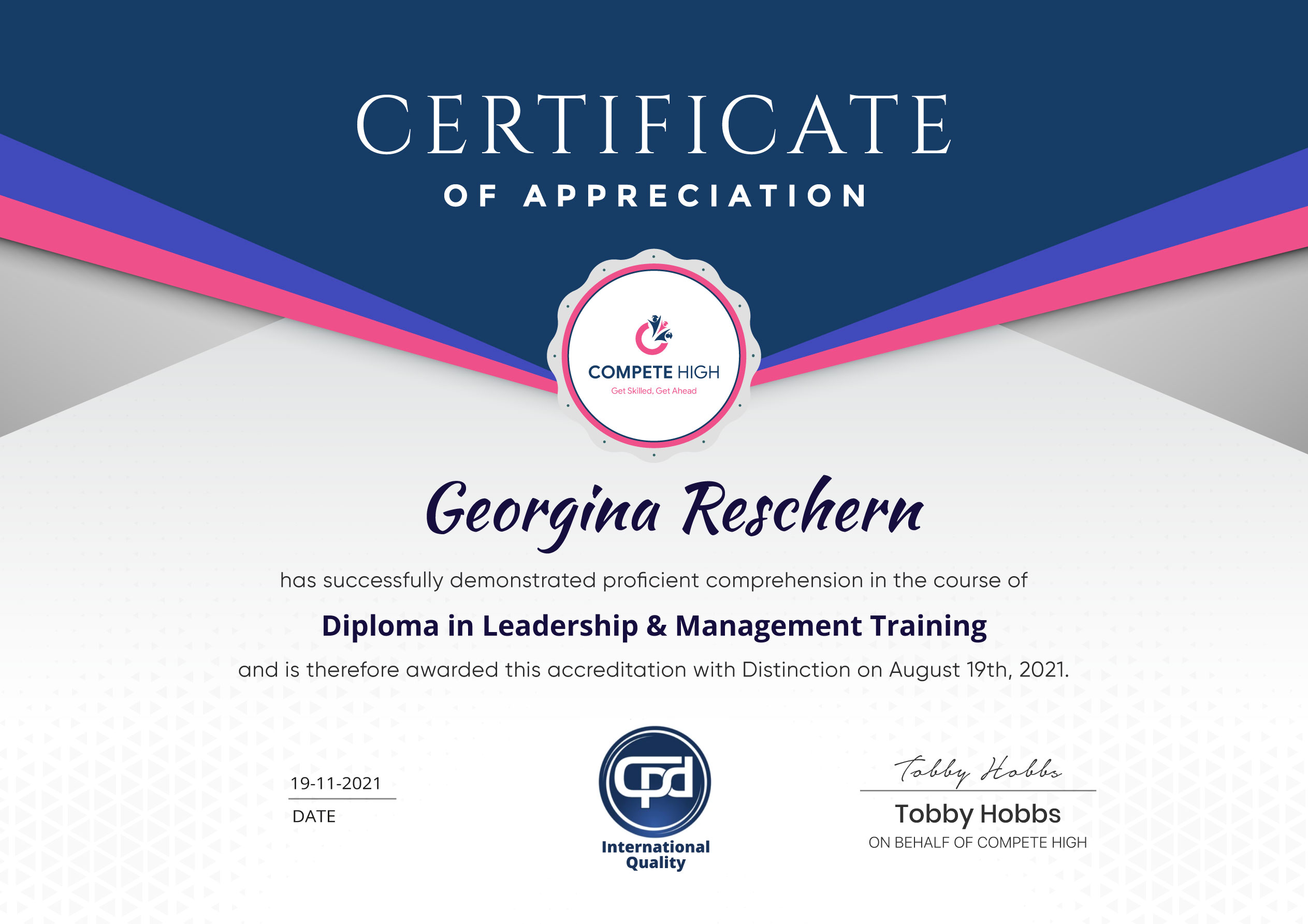
Perfect for showcasing your skills, boosting your career, and enhancing your professional profile.
Choose the format that works best for you:
-
PDF Certificate (£9.99) – Download instantly to add to your portfolio, résumé, LinkedIn, or share on social media.
-
Printed Hard Copy (£29.99) – A beautifully designed certificate delivered to your door, ready to proudly display in your office or home.
-
Both PDF & Printed Hard Copy (£31.99) – Get the best of both worlds!
Course Contents
Course Content
Microsoft Excel 2016 Basic
-
Pre Sell Video
00:00 -
Lesson 1 – Overview
00:00 -
Lesson 2 – Interface
00:00 -
Lesson 3 – File Menu – Part 1
00:00 -
Lesson 4 – File Menu – Part 2
00:00 -
Lesson 5 – Home Menu
00:00 -
Lesson 6 – Insert Menu
00:00 -
Lesson 7 – Page Layout Menu
00:00 -
Lesson 8 – Formulas Menu
00:00 -
Lesson 9 – Data Menu – Part 1
00:00 -
Lesson 10 – Data Menu – Part 2
00:00 -
Lesson 11 – Review Menu
00:00 -
Lesson 12 – View Menu
00:00 -
Lesson 13 – Templates
00:00 -
Lesson 14 – Dates
00:00 -
Lesson 15 – Numbers
00:00 -
Lesson 16 – Text
00:00 -
Lesson 17 – B – Calculations-Manual
00:00 -
Lesson 18 – Calculations
00:00 -
Lesson 19 – Page Set Up
00:00 -
Lesson 20 – Print Settings
00:00 -
Lesson 21 – Conclusion
00:00
Microsoft Excel 2016 Advanced
Student Ratings & Reviews


Excellent
4.78 Average 173 Reviews
The courses are informative, easy to follow, and offer a wide range of topics to choose from.
The staff are incredibly friendly and responsive. I'm looking forward to returning for another course!
Thank you! I truly enjoyed my learning experience and found it to be both enriching and rewarding.
An incredibly straightforward course to follow, offering great insight into the subject. Many thanks.
All the courses are easily accessible, straightforward to understand, and highly informative.





Want to receive push notifications for all major on-site activities?