
Microsoft Excel VBA Programming Training
SPRING SUPER SALE! 1500+ COURSES AT ONLY £99 FOR LIFE. FIND OUT MORE
Microsoft Excel VBA Programming Training
Automation and efficiency are essential in today’s professional world. The Microsoft Excel VBA Programming Training course equips learners with the skills to automate repetitive tasks, streamline workflows, and enhance productivity using Excel’s powerful Visual Basic for Applications (VBA).
This Microsoft Excel VBA Programming Training course is designed to be shorter than traditional Excel programs, enabling learners to complete it quickly and earn a certificate incredibly fast. It focuses on job-ready skills, making graduates immediately valuable to employers in finance, administration, data analysis, and business operations.
Description
The Microsoft Excel VBA Programming Training course is a practical, hands-on program that teaches learners how to harness the full power of Excel through automation. The course begins with an introduction to VBA, explaining the benefits of programming in Excel and how it can save time, reduce errors, and increase efficiency.
Learners will then explore macros, learning to record, edit, and implement automated routines for repetitive tasks. The course progresses to the VBA Editor, covering the interface, debugging tools, and essential programming techniques.
Core programming concepts such as variables, procedures, loops, and IF statements are taught with real-world examples, ensuring learners gain practical knowledge they can apply immediately. Error handling is also emphasized, equipping learners to manage exceptions and create robust, professional-grade solutions.
The course further explores user-defined functions, allowing learners to create custom Excel functions tailored to their specific business needs. Practical assignments ensure that learners can apply their skills to solve real problems efficiently.
Advanced modules include creating forms in Excel, enabling interactive user interfaces for data input, automation, and reporting. By completing the Microsoft Excel VBA Programming Training, learners will have a comprehensive understanding of Excel automation, making them highly competitive in roles that require Excel expertise.
A key advantage of this course is its fast-track design. Unlike longer programming courses, this training is shorter, allowing learners to gain essential skills, earn certification quickly, and become job-ready in a fraction of the time.
Curriculum
-
Section 1: Introduction – Understanding Excel VBA and its benefits
-
Section 2: Macros – Recording, editing, and automating tasks
-
Section 3: VBA Editor – Interface, debugging, and essential tools
-
Section 4: Variables and Procedures – Building efficient code and reusable routines
-
Section 5: Loops and IF Statements – Controlling program flow with logic
-
Section 6: Error Handling – Managing exceptions and ensuring robust solutions
-
Section 7: User Defined Functions – Creating custom Excel functions
-
Section 8: Assignments – Applying skills to real-world scenarios
-
Section 9: Creating Forms – Designing interactive Excel forms for automation
Who Is This Course For?
The Microsoft Excel VBA Programming Training course is perfect for:
-
Aspiring data analysts, accountants, and administrative professionals seeking advanced Excel skills
-
Professionals looking to automate repetitive tasks and enhance productivity
-
Students or career changers entering business, finance, or operations roles
-
Entrepreneurs and business owners who want to streamline processes and reduce errors
-
Anyone aiming to gain practical, job-ready Excel programming skills
This course is ideal for learners who value speed and efficiency. Being shorter than most Excel VBA programs, learners can complete the Microsoft Excel VBA Programming Training quickly, earn a certificate, and become job-ready immediately.
FAQ
Q: How long does it take to complete Microsoft Excel VBA Programming Training?
A: The course is designed for fast completion, shorter than traditional programming courses, allowing learners to earn certification quickly.
Q: Do I need prior Excel or programming experience?
A: No. The Microsoft Excel VBA Programming Training course starts with the basics and progresses to advanced automation, making it suitable for all skill levels.
Q: Will this course help me get a job?
A: Yes. The course teaches job-ready skills, including macros, VBA programming, user-defined functions, and form creation, making learners highly employable in finance, data analysis, and business operations.
Q: Is the course practical or theoretical?
A: The course is highly practical, with hands-on exercises, assignments, and real-world examples to ensure learners gain applicable skills.
Q: How is this course different from other Excel VBA programs?
A: The Microsoft Excel VBA Programming Training is shorter, focused, and designed for rapid certification, enabling learners to acquire essential skills and start working quickly.
Q: Is the course self-paced?
A: Yes. The course is fully online and self-paced, allowing learners to complete it according to their schedule.
The Microsoft Excel VBA Programming Training is your fast-track path to mastering Excel automation, earning certification quickly, and becoming job-ready in finance, business, or data-driven roles.
Extra Included :
Accredited Certificate Available
Unlimited Access and Retakes
Free Enrollment Letter Included
CPD International Quality Accredited
Meets UK & EU legal requirements
Instant e-certificate and eligibility of ordering hardcopy
Developed by Industry Experts
Learn anytime from anywhere
Use any internet-connected device
24/7 Live Support
Discounts on bulk purchases
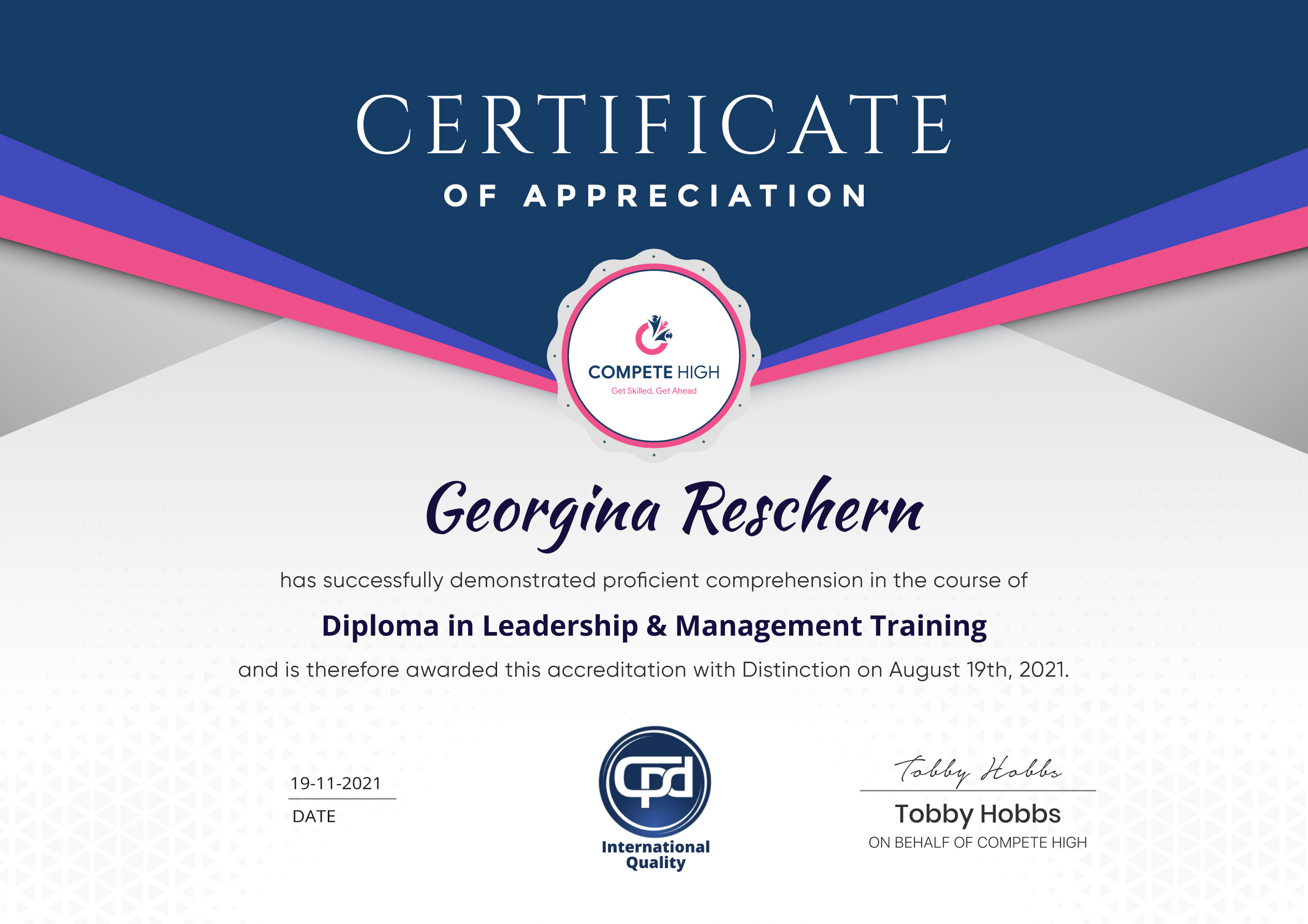
Certification
Perfect for showcasing your skills, boosting your career, and enhancing your professional profile.
Choose the format that works best for you:
-
PDF Certificate (£9.99) – Download instantly to add to your portfolio, résumé, LinkedIn, or share on social media.
-
Printed Hard Copy (£29.99) – A beautifully designed certificate delivered to your door, ready to proudly display in your office or home.
-
Both PDF & Printed Hard Copy (£31.99) – Get the best of both worlds!
Course Contents
Course Content
Section 1 – Introduction
-
What is VBA
00:00 -
Object Orientated Programming
00:00
Section 2 – Macros
Section 3 – VBA Editor
Section 4 – Variables and Procedures
Section 5 – Loops and IF Statements
Section 6 – Error Handling
Section 7 – User Defined Functions
Section 8 – Assignments
Section 9 – Creating Forms
Student Ratings & Reviews


Excellent
4.78 Average 173 Reviews
The courses are informative, easy to follow, and offer a wide range of topics to choose from.
The staff are incredibly friendly and responsive. I'm looking forward to returning for another course!
Thank you! I truly enjoyed my learning experience and found it to be both enriching and rewarding.
An incredibly straightforward course to follow, offering great insight into the subject. Many thanks.
All the courses are easily accessible, straightforward to understand, and highly informative.






Want to receive push notifications for all major on-site activities?