
Google Datastudio Training
SPRING SUPER SALE! 1500+ COURSES AT ONLY £99 FOR LIFE. FIND OUT MORE
Google Datastudio Training
Google Datastudio Training – Get Certified Fast and Become Job-Ready
Overview of the Google Datastudio Training Course
The Google Datastudio Training course is a fast, focused, and career-oriented program designed to help you master Google Data Studio quickly and become job-ready in record time. Unlike long, drawn-out analytics courses that can take months, this Google Datastudio Training course is intentionally shorter so you can complete it quickly and earn a professional certificate in a fraction of the time.
Google Data Studio is one of the most in-demand tools for data visualization and reporting. Organizations today need professionals who can turn complex data into clear, actionable insights. The Google Datastudio Training course equips you with exactly those skills, helping you create compelling dashboards, generate insightful reports, and share data-driven decisions effectively.
With the Google Datastudio Training course, you don’t just learn theory—you gain practical, job-ready skills that employers value. This course is perfect for anyone who wants to advance their career in analytics, digital marketing, business intelligence, or data-driven decision-making.
Description of the Google Datastudio Training Course
The Google Datastudio Training course is designed for learners who want a fast and effective way to master Google Data Studio. This course provides a complete roadmap from the basics to advanced techniques, ensuring that by the end, you are not only confident in using Google Data Studio but also ready to apply these skills in professional environments.
The course starts with Module 01: Introduction to Google Data Studio, giving you a clear understanding of the platform, its capabilities, and how it integrates with other data sources. You then move on to Module 02: Why Use Google Data Studio Over Others, where you learn the advantages of Google Data Studio compared to other analytics tools, helping you make informed choices in real-world projects.
In Module 03: How to Use Google Data Studio, you get hands-on guidance on the interface, functions, and core operations. From there, the Google Datastudio Training course dives deeper into dashboard creation, reporting, advanced formulas, and data blending.
With modules covering Dashboard In Google Data Studio, How to Create Report in Google Data Studio, Additional Features, Calculated Formulas and Functions, Data Blending and Sharing Reports, and Ways to Share Google Data Studio Reports, this course ensures you gain comprehensive, job-ready skills in a short time.
What sets this Google Datastudio Training course apart is its efficiency. Many analytics and reporting courses are long, repetitive, or overly theoretical. This course is shorter than other similar courses, allowing you to learn faster, complete faster, and get certified faster—all while gaining highly practical skills employers seek.
What You Will Learn in the Google Datastudio Training Course
The Google Datastudio Training course curriculum is designed to build real-world skills quickly:
Module 01: Introduction to Google Data Studio
Learn what Google Data Studio is, its key capabilities, and why it’s essential for modern data reporting.
Module 02: Why Use Google Data Studio Over Others
Understand the advantages of Google Data Studio compared to other BI and reporting tools.
Module 03: How to Use Google Data Studio
Get hands-on training on the interface, tools, and key functionalities.
Module 04: Dashboard in Google Data Studio
Learn how to design effective, interactive dashboards that communicate insights clearly.
Module 05: How to Create Report in Google Data Studio
Master report creation, including data visualization, charts, tables, and formatting.
Module 06: Additional Features in Google Data Studio
Explore advanced features that make your reports more dynamic and professional.
Module 07: Google Data Studio Calculated Formulas and Functions
Learn formulas and calculations to derive deeper insights from your data.
Module 08: Google Data Studio Data Blending and Sharing Reports
Combine multiple data sources and prepare your reports for distribution.
Module 09: Ways to Share Google Data Studio Reports
Understand all sharing options and best practices for collaboration.
Each module in the Google Datastudio Training course is designed to ensure you are prepared to handle real-world data visualization challenges, making you job-ready faster than traditional courses.
Who Is This Google Datastudio Training Course For?
The Google Datastudio Training course is perfect for:
-
Professionals looking to advance their analytics and reporting skills
-
Job seekers aiming for roles in digital marketing, business intelligence, or data analytics
-
Students who want practical, fast-track training in Google Data Studio
-
Freelancers offering reporting and dashboard services
-
Marketing professionals who need to track campaigns using data-driven insights
-
Career switchers looking to enter the growing field of data visualization and reporting
If you want a fast, efficient course that builds practical, career-ready skills, the Google Datastudio Training course is designed for you.
Why Choose This Google Datastudio Training Course?
The biggest advantage of the Google Datastudio Training course is its speed and focus. While other courses can stretch over months, this Google Datastudio Training course allows you to:
-
Complete the course quickly
-
Earn a certificate incredibly fast
-
Become job-ready without delays
-
Apply your skills immediately in real-world projects
The course is practical, career-focused, and efficient, making it ideal for learners who want to gain high-value skills without wasting time. With this Google Datastudio Training course, you’ll build a portfolio of dashboards and reports that showcase your ability to handle professional data visualization tasks.
Certification and Career Benefits
Upon completion, you will receive a professional certificate in Google Datastudio Training. This certificate can be used to:
-
Boost your resume
-
Strengthen your LinkedIn profile
-
Demonstrate your readiness for data-driven roles
-
Attract freelance or full-time opportunities in analytics and reporting
The Google Datastudio Training course ensures that your certification is not just a piece of paper—it represents real, job-ready skills in a high-demand field.
Because this course is shorter than others, you gain all these benefits faster, allowing you to start applying for jobs or freelance projects immediately.
Frequently Asked Questions (FAQ)
1. How long does the Google Datastudio Training course take to complete?
The Google Datastudio Training course is designed to be completed quickly, allowing learners to earn their certificate in a short time.
2. Is the Google Datastudio Training course suitable for beginners?
Yes. This Google Datastudio Training course starts from the basics and gradually moves to advanced features, making it suitable for beginners and intermediate learners.
3. Will this Google Datastudio Training course help me get a job?
Absolutely. The course is built to teach practical, job-ready skills that employers look for in analytics, marketing, and reporting roles.
4. Do I get a certificate after completing the Google Datastudio Training course?
Yes. Upon completion, you receive a professional certificate in Google Datastudio Training.
5. How is this Google Datastudio Training course different from others?
This Google Datastudio Training course is shorter, more focused, and career-oriented, allowing you to learn faster, complete faster, and become job-ready faster than traditional courses.
Extra Included :
Accredited Certificate Available
Unlimited Access and Retakes
Free Enrollment Letter Included
CPD International Quality Accredited
Meets UK & EU legal requirements
Instant e-certificate and eligibility of ordering hardcopy
Developed by Industry Experts
Learn anytime from anywhere
Use any internet-connected device
24/7 Live Support
Discounts on bulk purchases
Certification
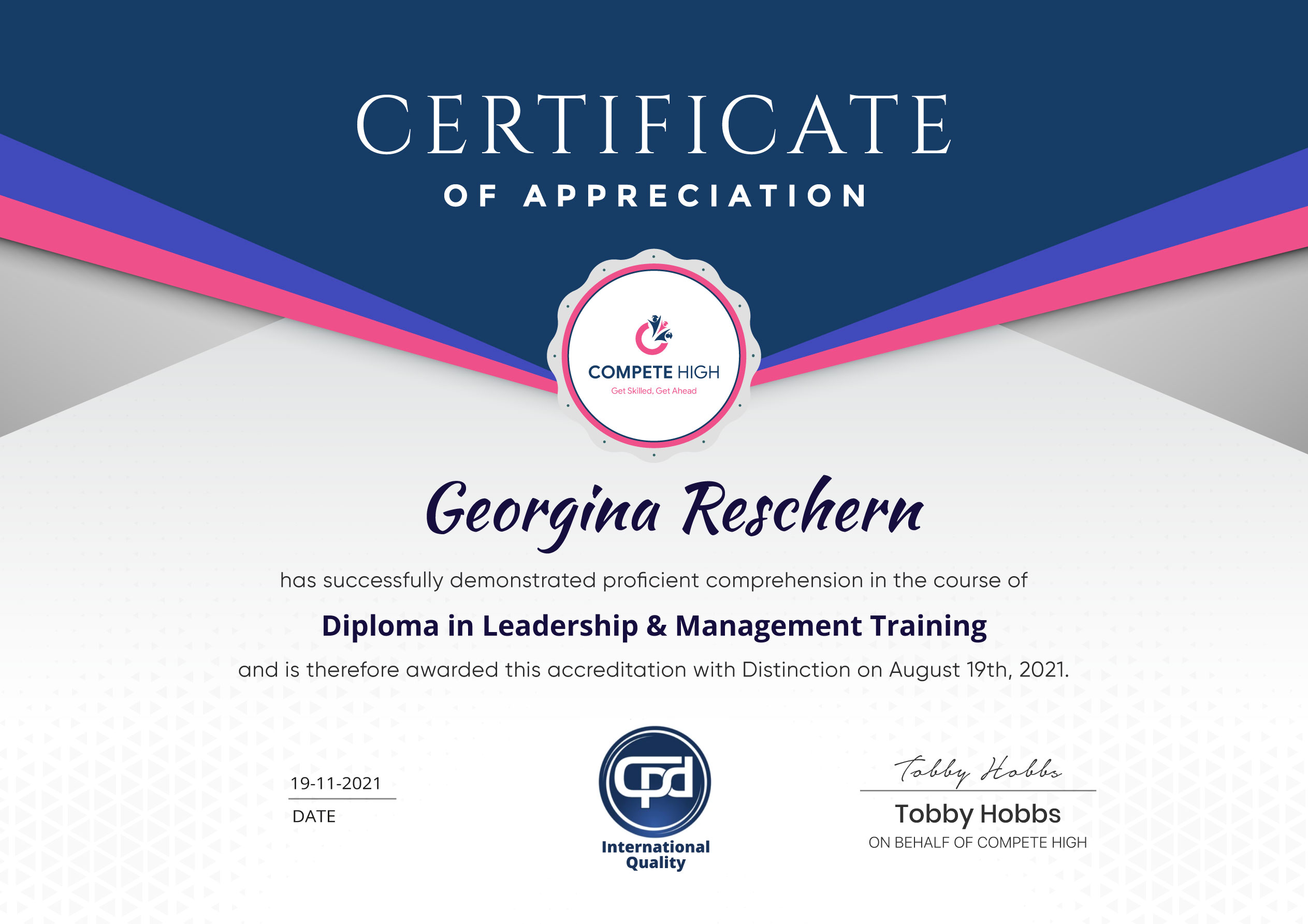
Perfect for showcasing your skills, boosting your career, and enhancing your professional profile.
Choose the format that works best for you:
-
PDF Certificate (£9.99) – Download instantly to add to your portfolio, résumé, LinkedIn, or share on social media.
-
Printed Hard Copy (£29.99) – A beautifully designed certificate delivered to your door, ready to proudly display in your office or home.
-
Both PDF & Printed Hard Copy (£31.99) – Get the best of both worlds!
Course Contents
Course Content
Module 01 Introduction to Google Data Studio
-
Introduction to Google Data Studio
00:00
Module 02 Why Use Google Data Studio Over Others
Module 03 How to Use Google Data Studio
Module 04 Dashboard In Google Data Studio
Module 05 How to Create Report In Google Data Studio
Module 06 Additional Features in Google Data Studio
Module 07 Google Data Studio Calculated Formula and Functions
Module 08 Google Data Studio Data Blending and Sharing Reports
Module 09 Ways to Share Google Data Studio Reports



Excellent
4.78 Average 173 Reviews
The courses are informative, easy to follow, and offer a wide range of topics to choose from.
The staff are incredibly friendly and responsive. I'm looking forward to returning for another course!
Thank you! I truly enjoyed my learning experience and found it to be both enriching and rewarding.
An incredibly straightforward course to follow, offering great insight into the subject. Many thanks.
All the courses are easily accessible, straightforward to understand, and highly informative.





Want to receive push notifications for all major on-site activities?