
Computer Maintenance

NEW YEAR SPECIAL! 1500+ COURSES AT ONLY £59 FOR LIFE. FIND OUT MORE
Computer Maintenance
Course Overview
In today’s fast-paced digital world, computers have become an essential part of our daily lives—both at home and in the workplace. From managing personal files to running business operations, a computer’s performance and longevity depend greatly on how well it is maintained. The Computer Maintenance course is designed to give you a solid understanding of how computers work, how to keep them running efficiently, and how to troubleshoot common issues.
Whether you’re a student, professional, or tech enthusiast, this course equips you with the practical knowledge and hands-on skills needed to maintain, repair, and protect your devices. You’ll explore everything from basic computer structure and software management to advanced topics like cybersecurity and virus protection.
By the end of this Computer Maintenance program, you’ll be confident in diagnosing system problems, performing routine maintenance, and ensuring that computers run smoothly and securely—skills that are in high demand in today’s IT-driven world.
What You Will Master
The Computer Maintenance course covers all the essential topics required to become proficient in maintaining and managing computer systems. You will gain both theoretical understanding and practical expertise in the following areas:
- Introduction to Computers
Start with the fundamentals of computing. Understand what computers are, how they function, and how they impact everyday life. Learn about different types of systems—from desktops to laptops—and discover the importance of maintenance for optimal performance. - Structure of Computers
Explore the internal and external components of a computer system. This section breaks down the core structure—CPU, memory, input/output devices, and storage—and explains how they interact to perform computing tasks efficiently. - Hardware
Gain in-depth knowledge of computer hardware components and their maintenance. Learn how to assemble, upgrade, and repair hardware parts. This module also helps you identify hardware issues and apply practical troubleshooting techniques to restore performance. - Software and Interface
Understand how software and hardware work together. You’ll learn about operating systems, drivers, and applications, as well as how to install, update, and optimize them for better performance. Discover how proper software maintenance ensures a stable and efficient computing experience. - Viruses and Computer Maintenance
Dive into the crucial topic of malware, viruses, and system security. Learn how to identify and remove malicious software, install antivirus tools, and take preventive measures to protect sensitive data. This section also covers routine computer maintenance tasks like cleaning drives, managing storage, and performing system updates. - Internet and IT
Get a comprehensive overview of the internet’s role in computer functionality. Learn about network connections, data sharing, and the fundamentals of IT infrastructure. You’ll also explore safe browsing practices and online data management to maintain system integrity. - Cyber Security
In an era of increasing cyber threats, cybersecurity knowledge is vital. This module introduces you to best practices for securing data, passwords, and online communication. Understand encryption, firewalls, and user authentication, and learn how to protect systems from unauthorized access.
Each topic in the Computer Maintenance course is designed to blend theory with hands-on application, ensuring you not only understand the concepts but also know how to implement them effectively.
Why Choose This Course
The Computer Maintenance course is perfect for anyone looking to build a strong foundation in computer technology and system care. Here’s why learners across the globe choose this program:
- Comprehensive Learning: Covers everything from hardware and software basics to advanced cybersecurity concepts.
- Practical Application: Focuses on real-world problem-solving and troubleshooting.
- Flexible and Accessible: Learn online at your own pace, from any location.
- Career-Ready Skills: Boost your employability with in-demand IT and computer repair knowledge.
- Expertly Designed Content: Crafted by industry professionals with years of technical experience.
Whether you want to start a career in IT support or simply manage your personal devices better, this course provides the essential tools to help you succeed.
Who Is This Course For?
This Computer Maintenance course is ideal for:
- Students interested in computers and information technology
- Office employees who use computers daily and want to maintain them properly
- Aspiring IT support technicians and helpdesk staff
- Small business owners managing their own computer systems
- Anyone curious about improving computer performance and cybersecurity
No prior experience in technology is required—just a willingness to learn and explore the inner workings of computers.
Certification
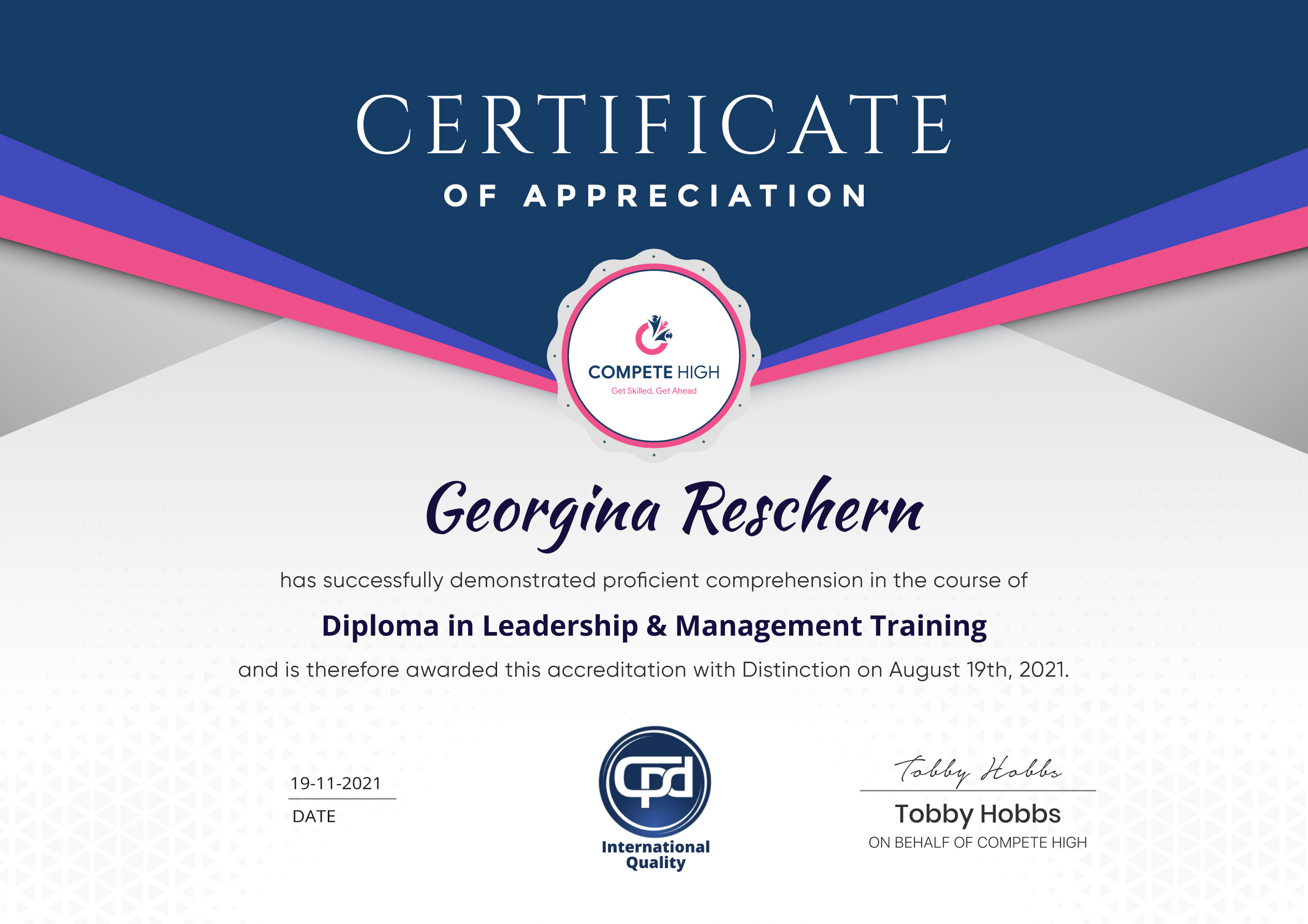
Upon successful completion of the course, you’ll receive a CPD-IQ accredited certificate in Computer Maintenance, validating your knowledge and skills in computer care, troubleshooting, and security management.
This certification can enhance your career prospects in IT, administration, and technical support roles. It’s a valuable credential that demonstrates your ability to maintain computer systems effectively and apply preventive measures against technical issues.
| Certification Option | Price |
| PDF Certificate | £9.99 |
| Printed Hardcopy Certificate | £29.99 |
| Both PDF and Printed Hardcopy | £31.99 |
Don’t let technical issues slow you down! Learn how to keep your computer running at peak performance and protect it from digital threats.
Enroll in the Computer Maintenance course today and take your first step toward mastering the essential skills every modern professional needs for success in the digital age.
Extra Included :
Accredited Certificate Available
Unlimited Access and Retakes
Free Enrollment Letter Included
CPD International Quality Accredited
Meets UK & EU legal requirements
Instant e-certificate and eligibility of ordering hardcopy
Developed by Industry Experts
Learn anytime from anywhere
Use any internet-connected device
24/7 Live Support
Discounts on bulk purchases
Certification
Perfect for showcasing your skills, boosting your career, and enhancing your professional profile.
Choose the format that works best for you:
-
PDF Certificate (£9.99) – Download instantly to add to your portfolio, résumé, LinkedIn, or share on social media.
-
Printed Hard Copy (£29.99) – A beautifully designed certificate delivered to your door, ready to proudly display in your office or home.
-
Both PDF & Printed Hard Copy (£31.99) – Get the best of both worlds!
Course Contents
Course Content
Computer Maintenance Module 01 – Introduction to Computers
-
Module 01 – Introduction to Computers
00:00
Computer Maintenance Module 02 – Structure of Computers
Computer Maintenance Module 03 – Hardware
Computer Maintenance Module 04 – Software and Interface
Computer Maintenance Module 05 – Viruses and Computer Maintenance
Computer Maintenance Module 06 – Internet and IT
Computer Maintenance Module 07 – Cyber Security
Assignment
Student Ratings & Reviews




Excellent
4.78 Average 173 Reviews
The courses are informative, easy to follow, and offer a wide range of topics to choose from.
The staff are incredibly friendly and responsive. I'm looking forward to returning for another course!
Thank you! I truly enjoyed my learning experience and found it to be both enriching and rewarding.
An incredibly straightforward course to follow, offering great insight into the subject. Many thanks.
All the courses are easily accessible, straightforward to understand, and highly informative.






Want to receive push notifications for all major on-site activities?