Claude AI Training Course

SPRING SUPER SALE! 1500+ COURSES AT ONLY £99 FOR LIFE. FIND OUT MORE
Claude AI Training Course
Claude AI Training Course
Overview
Welcome to the Claude AI Training Course, the definitive program for mastering one of the most advanced AI assistants available today. The Claude AI Training Course is designed to take you from foundational understanding to expert-level implementation, equipping you with the skills to harness Claude AI for content creation, academic research, visual communication, workflow automation, publishing, and API integration.
In today’s AI-driven world, professionals who understand how to strategically leverage artificial intelligence gain a significant competitive advantage. The Claude AI Training Course ensures you are not just using Claude casually—but using it with precision, structure, and measurable impact.
This Claude AI Training Course goes far beyond basic prompting. You will learn:
-
Prompt chaining for complex, multi-step tasks
-
Cross-document workflows for large projects
-
AI-driven feedback systems
-
Academic and research optimization
-
Data visualisation and infographic creation
-
Publishing directly to the web and WordPress
-
Audio narration production
-
Advanced API configuration and prompt engineering
-
Tracking usage, managing access, and scaling workflows
The Claude AI Training Course transforms Claude from a conversational AI tool into a full-scale production engine for writing, publishing, analysis, and automation.
If you want structured mastery of Claude AI, this Claude AI Training Course is your complete roadmap.
Description
The Claude AI Training Course is a comprehensive, step-by-step training program built for creators, professionals, researchers, educators, and developers who want to maximize the capabilities of Claude AI.
Most users only scratch the surface of what Claude can do. The Claude AI Training Course unlocks deeper capabilities including:
-
Structured prompt chaining for advanced outputs
-
Intelligent document refinement systems
-
Academic writing and critique workflows
-
Visual content creation including infographics and charts
-
Artifact interaction and editing
-
Web publishing and WordPress automation
-
API prompt engineering and technical configuration
-
Usage tracking and professional scaling
Unlike general AI tutorials, the Claude AI Training Course focuses on practical workflows that mirror real-world applications. You won’t just learn features—you’ll learn implementation systems.
By the end of the Claude AI Training Course, you will:
-
Design advanced AI prompt chains
-
Manage large document projects efficiently
-
Build complete publishing pipelines
-
Integrate Claude via API into business systems
-
Monitor usage and optimize cost efficiency
-
Confidently deploy Claude AI in professional environments
This Claude AI Training Course bridges creativity, technical capability, and business execution in one structured curriculum.
Claude AI Training Course Curriculum
Below is a detailed breakdown of every module included in the Claude AI Training Course.
Module0001 – Editor’s Introduction to This Course
The Claude AI Training Course begins with a strategic overview of how Claude AI works and how this course is structured. You’ll understand:
-
The philosophy behind advanced prompting
-
How Claude differs in handling long context documents
-
Best practices before starting your AI workflow
This foundational module ensures you start the Claude AI Training Course with clarity and direction.
Module0002 – Prompt Chaining for Improved Results
Prompt chaining is a core pillar of the Claude AI Training Course.
You will learn how to:
-
Break complex tasks into sequential prompts
-
Improve output quality through iterative refinement
-
Build multi-step reasoning processes
-
Reduce hallucinations through structured prompting
Prompt chaining transforms Claude from a simple responder into a structured AI collaborator.
Module0003 – Chaining Prompts Across Documents
The Claude AI Training Course teaches advanced cross-document workflows including:
-
Managing long research files
-
Linking context across multiple documents
-
Building large writing projects using chained prompts
This module is essential for book writers, researchers, and corporate documentation teams.
Module0004 – Gathering AI-Driven Feedback
In this module of the Claude AI Training Course, you will learn how to:
-
Use Claude to critique your own writing
-
Generate structured editorial feedback
-
Identify weaknesses and clarity issues
-
Improve tone and impact
You’ll build a self-contained AI editing system using Claude AI.
Module0005 – Refining and Improving Documents
The Claude AI Training Course teaches systematic editing workflows including:
-
Structural refinement
-
Argument strengthening
-
Clarity enhancement
-
Professional tone adjustment
This ensures your final outputs meet publication standards.
Module0006 – Working with Academic Content
Academic professionals will benefit greatly from the Claude AI Training Course.
You will learn:
-
Research summarisation
-
Literature review assistance
-
Citation structuring
-
Academic tone control
-
Peer-review style critique
Claude AI becomes a research assistant within this structured workflow.
Module0007 – Creating Visual Illustrations
The Claude AI Training Course expands beyond text into visual strategy.
You’ll learn to:
-
Generate illustration concepts
-
Design structured visual explanations
-
Convert written content into diagram-ready instructions
Module0008 – Producing Data Visualisations
Data presentation is critical in business and academia. The Claude AI Training Course teaches:
-
Turning raw data into insights
-
Creating structured visualisation plans
-
Designing data narratives
Module0009 – Designing an Infographic
Infographics communicate complex ideas simply. In the Claude AI Training Course, you will:
-
Structure information visually
-
Develop infographic layouts
-
Convert long-form content into concise visual pieces
Module00010 – Creating a Bar Chart
This practical module in the Claude AI Training Course focuses on:
-
Structuring data properly
-
Generating bar chart descriptions
-
Producing visual-ready data formats
Module0011 – Production Workflow and Best Practices
Efficiency matters. The Claude AI Training Course outlines:
-
AI content pipelines
-
Version control strategies
-
Collaboration frameworks
-
Workflow automation systems
Module0012 – Building a Mind Map
Mind maps enhance brainstorming. The Claude AI Training Course teaches:
-
Structured idea expansion
-
Visual mapping logic
-
Strategic planning through AI
Module0013 – Interacting with and Editing Artifacts
Artifacts are powerful outputs within Claude. In this Claude AI Training Course module, you will:
-
Create structured artifacts
-
Edit and refine them
-
Repurpose artifacts across formats
Module0014 – Publishing Content for the Web
Publishing is where AI meets execution. The Claude AI Training Course covers:
-
SEO-ready formatting
-
Structured web content
-
Metadata optimisation
Module0015 – Publishing Directly to WordPress
This practical module in the Claude AI Training Course teaches:
-
Formatting posts for WordPress
-
Streamlining publishing workflows
-
Integrating AI into blogging systems
Module0016 – Creating an Audio Narration
The Claude AI Training Course introduces multimedia capabilities including:
-
Script-to-audio transformation
-
Voice tone optimisation
-
Narration workflows
Module0017 – API Setup: Resolving Phone Verification Issues
For developers, the Claude AI Training Course provides technical guidance on:
-
API account setup
-
Verification troubleshooting
-
Access configuration
Module0018 – API Prompt Generation Techniques
Prompt engineering at scale is critical. In this Claude AI Training Course module, you will learn:
-
Designing scalable prompts
-
Structuring API requests
-
Maintaining consistency across automation
Module0019 – API Workbench Controls Explained
The Claude AI Training Course breaks down:
-
Interface navigation
-
Parameter control
-
Temperature and token management
Module0020 – Editing and Amending API Prompts
Continuous improvement is key. The Claude AI Training Course shows:
-
Testing and iterating prompts
-
Debugging output inconsistencies
-
Optimizing for performance
Module0021 – Tracking API Usage and Purchase Time
Cost management matters. In this Claude AI Training Course, you’ll learn:
-
Monitoring usage
-
Understanding billing
-
Forecasting resource needs
Module0022 – Understanding API Access and the Pro Plan
The Claude AI Training Course concludes with:
-
Comparing free vs Pro access
-
Strategic scaling decisions
-
Choosing the right plan for your goals
Who Is This Course For?
The Claude AI Training Course is designed for:
Content Creators
Writers, bloggers, and digital publishers who want structured AI-powered workflows.
Researchers and Academics
Those working with large documents, research synthesis, and peer-level refinement.
Business Professionals
Managers and entrepreneurs who need production-ready documents, data visuals, and publishing automation.
Developers
Individuals integrating Claude via API into apps, dashboards, or automation systems.
Educators
Teachers and trainers creating structured learning materials with AI support.
AI Enthusiasts
Anyone serious about mastering Claude AI beyond basic prompting.
If you want professional-level command of Claude, the Claude AI Training Course is built for you.
Frequently Asked Questions (FAQ)
1. Is the Claude AI Training Course beginner-friendly?
Yes. The Claude AI Training Course starts with fundamentals before advancing to complex workflows and API systems.
2. Does the Claude AI Training Course cover API integration?
Absolutely. Multiple modules focus on API setup, prompt engineering, usage tracking, and optimization.
3. Will I learn prompt chaining techniques?
Yes. Prompt chaining is a core pillar of the Claude AI Training Course.
4. Does the course include visual content creation?
Yes. The Claude AI Training Course covers infographics, bar charts, mind maps, and data visualisation.
5. Is publishing to WordPress included?
Yes. The Claude AI Training Course teaches structured web publishing and WordPress workflows.
6. Can I use what I learn in business?
Definitely. The Claude AI Training Course is designed for professional implementation and scaling.
7. Does it help with academic writing?
Yes. Academic research workflows are fully covered in the Claude AI Training Course.
8. Will I understand usage tracking and billing?
Yes. The Claude AI Training Course includes modules on monitoring API usage and managing costs.
Final Thoughts
The Claude AI Training Course is more than a tutorial—it is a complete professional system for mastering Claude AI.
From advanced prompt chaining and academic refinement to publishing automation and API engineering, this Claude AI Training Course provides the structure, depth, and real-world workflows needed to turn AI into a serious productivity partner.
If you want to:
-
Master advanced Claude prompting
-
Automate document production
-
Build scalable API workflows
-
Publish efficiently
-
Improve academic and professional writing
-
Track usage and scale intelligently
Then the Claude AI Training Course is your next step.
Enroll today and transform the way you create, refine, publish, and automate with the Claude AI Training Course.
Extra Included :
Accredited Certificate Available
Unlimited Access and Retakes
Free Enrollment Letter Included
CPD International Quality Accredited
Meets UK & EU legal requirements
Instant e-certificate and eligibility of ordering hardcopy
Developed by Industry Experts
Learn anytime from anywhere
Use any internet-connected device
24/7 Live Support
Discounts on bulk purchases
Certification
Perfect for showcasing your skills, boosting your career, and enhancing your professional profile.
Choose the format that works best for you:
-
PDF Certificate (£9.99) – Download instantly to add to your portfolio, résumé, LinkedIn, or share on social media.
-
Printed Hard Copy (£29.99) – A beautifully designed certificate delivered to your door, ready to proudly display in your office or home.
-
Both PDF & Printed Hard Copy (£31.99) – Get the best of both worlds!
Anyone that is looking to develop their skills in the subjects of the course or improve their professional outcomes are welcome to take these courses.
Our courses are assured and accredited by several organisations including CPD IQ, IOAS, CPD Group, and more. All of our courses are CPD accredited.
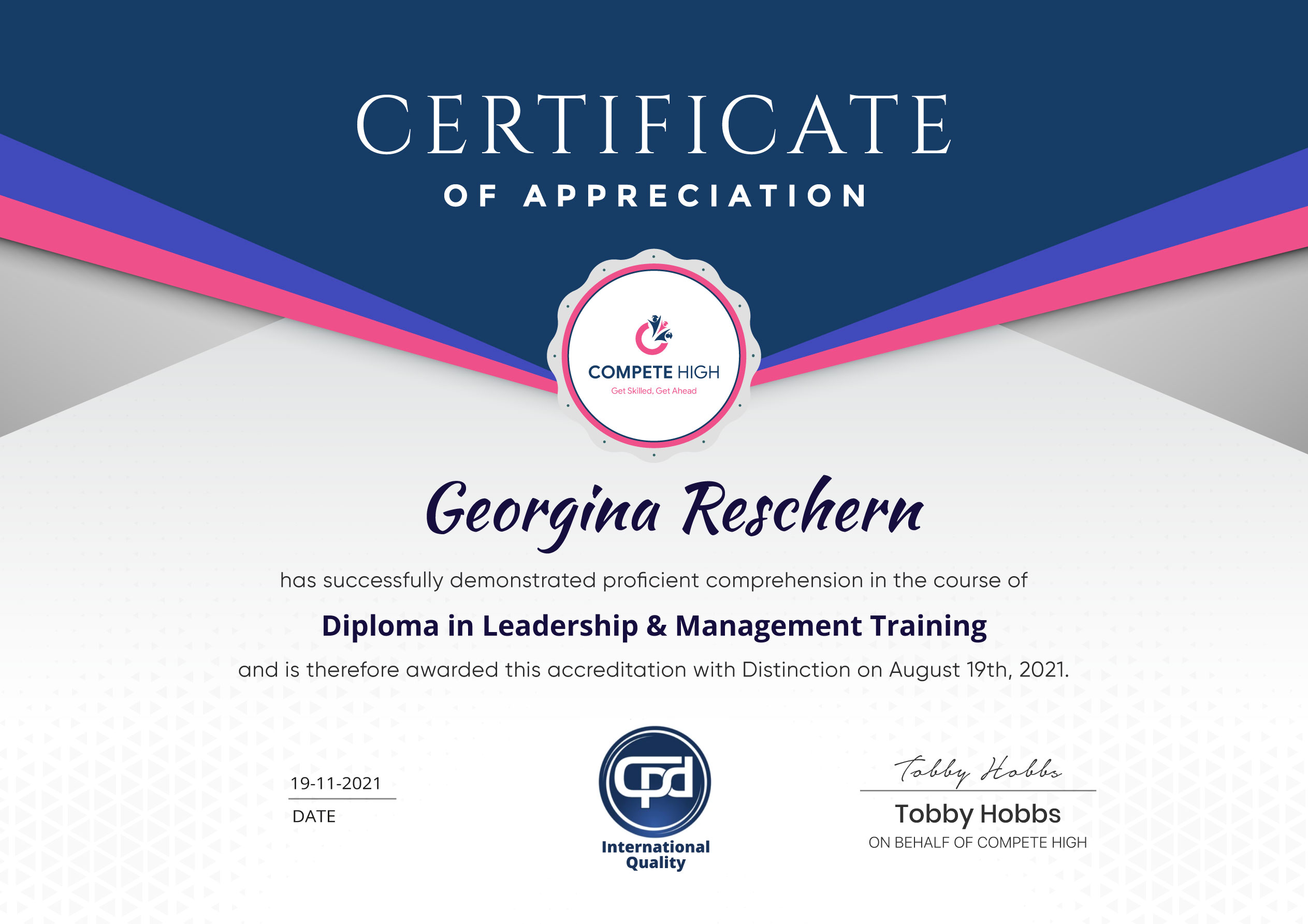
You are eligible for a course certificate upon completion. In some cases, you will need to purchase the certificate. In the purchase details, you will need to include the course details. Or you could also go to this link and submit your details after purchase.
There are all kinds of contents you can find on our site. This includes PDF files, videos, and extra materials. Also, most courses come with assessments that you will need to complete.
All you have to do is buy the course. This means that you have to add the course to cart and then complete the steps to purchase. Once you have completed the purchase, you can find it in your user dashboard.
Course Contents
Course Content
Module0001 – Editor’s Introduction to This Course
-
Editor’s Introduction to This Course
00:56
Module0002 – Prompt Chaining for Improved Results
Module0003 – Chaining Prompts Across Documents
Module0004 – Gathering AI-Driven Feedback
Module0005 – Refining and Improving Documents
Module0006 – Working with Academic Content
Module0007 – Creating Visual Illustrations
Module0008 – Producing Data Visualisations
Module0009– Designing an Infographic
Module00010 – Creating a Bar Chart
Module0011 – Production Workflow and Best Practices
Module0012 – Building a Mind Map
Module0013 – Interacting with and Editing Artifacts
Module0014 – Publishing Content for the Web
Module0015 – Publishing Directly to WordPress
Module0016 – Creating an Audio Narration
Module0017 – API Setup: Resolving Phone Verification Issues
Module0018 – API Prompt Generation Techniques
Module0019 – API Workbench Controls Explained
Module0020 – Editing and Amending API Prompts
Module0021 – Tracking API Usage and Purchase Time
Module0022 – Understanding API Access and the Pro Plan
Student Ratings & Reviews




Excellent
4.78 Average 173 Reviews
The courses are informative, easy to follow, and offer a wide range of topics to choose from.
The staff are incredibly friendly and responsive. I'm looking forward to returning for another course!
Thank you! I truly enjoyed my learning experience and found it to be both enriching and rewarding.
An incredibly straightforward course to follow, offering great insight into the subject. Many thanks.
All the courses are easily accessible, straightforward to understand, and highly informative.