
Network Security on an Ubuntu Linux Server

SPRING SUPER SALE! 1500+ COURSES AT ONLY £99 FOR LIFE. FIND OUT MORE
Network Security on an Ubuntu Linux Server
Cybersecurity is one of the fastest-growing and most essential fields in IT, and the Network Security on an Ubuntu Linux Server course is designed to equip learners with the practical skills needed to secure servers and protect data from malicious attacks. Unlike traditional IT or server security courses that can take months to complete, this course is short, focused, and highly practical, allowing learners to finish it quickly and earn a certificate in record time.
The Network Security on an Ubuntu Linux Server course teaches essential techniques to safeguard an Ubuntu Linux server, from basic configurations to advanced firewall and authentication setups. This course is ideal for individuals who want to become job-ready, pursue careers in IT security, system administration, or network management, or enhance their existing skills with a recognized certification.
Description
The Network Security on an Ubuntu Linux Server course is a fast-track, hands-on program that guides learners step-by-step through securing an Ubuntu Linux server. Students will learn how to configure servers to resist hacking attempts, set up secure user access, implement firewalls, and manage security protocols efficiently.
From choosing a reliable server host to implementing RSA key-based logins and configuring UFW for firewall protection, this course covers the full spectrum of essential network security measures. Learners will also understand how to prevent unauthorized access, handle failed login attempts with fail2ban, and maintain a secure server environment.
A major advantage of the Network Security on an Ubuntu Linux Server course is its short format. Unlike comprehensive IT security programs that require weeks or months, this course allows learners to complete training quickly, earn a certificate, and immediately apply their knowledge in professional or freelance environments.
By completing this course, learners will acquire job-ready skills in Linux server security, making them suitable for roles such as system administrators, network security specialists, or IT support professionals. The course combines theoretical understanding with hands-on application to ensure learners are confident in real-world scenarios.
Curriculum
Module 1: Secure an Ubuntu Linux Server from Hackers Today!
Begin your journey by learning how to protect your server from common attacks and vulnerabilities.
Module 2: Choosing a Server Host and Setup
Select the right server provider and set up your Ubuntu Linux environment effectively.
Module 3-4: Accessing the Ubuntu Linux Server with Putty and Installing Putty for Windows
Learn to connect to your server securely from Windows using Putty.
Module 5: Using a Password Manager like LastPass
Manage credentials securely and streamline password protection.
Module 6-10: Managing Users and Permissions
Add new users, set passwords, grant sudo privileges, and verify access.
Module 11-13: Basic Linux Commands and Software Installation
Learn commands like cd, pwd, ls, update packages with apt-get, and install nano for file editing.
Module 14-17: Securing SSH Access
Update sshd_config, change SSH ports, enable RSA key login, and disable password and IPv6 logins.
Module 18-19: Handling Server Lockouts
Understand troubleshooting steps for lockouts and restoring secure server access.
Module 20-21: Installing Fail2Ban and UFW Firewall
Block malicious IPs, prevent repeated login attempts, and mitigate DDOS attacks.
Module 22: Installing and Configuring NTP
Synchronize server time for accurate logging and security auditing.
Module 23: Thank You and Final Review
Summarize best practices and complete your Ubuntu Linux server security setup.
Assignment:
Demonstrate your skills by performing a full server security configuration, applying firewall rules, creating user accounts, and implementing secure login protocols to show readiness for professional application.
Who Is This Course For?
The Network Security on an Ubuntu Linux Server course is ideal for:
-
Job seekers aiming for IT, network administration, or cybersecurity roles
-
Students and graduates looking to develop job-ready server security skills
-
IT professionals who want to enhance their Linux server security expertise
-
Freelancers offering server administration or security services
-
Anyone interested in practical, hands-on Linux server security training
This course is designed for learners who want fast results. Its short duration allows you to complete it, earn a certificate, and demonstrate practical skills that employers value.
FAQ
Q: How long does it take to complete the Network Security on an Ubuntu Linux Server course?
A: The course is designed to be completed quickly, much shorter than other Linux or server security programs, allowing learners to earn a certificate fast.
Q: Do I need prior Linux experience?
A: No. The Network Security on an Ubuntu Linux Server course starts with basic commands and gradually builds up to advanced security configurations, making it beginner-friendly.
Q: Will this course help me get a job?
A: Yes. The course provides job-ready skills in Linux server security, making learners suitable for roles such as system administrators, IT security specialists, and network support professionals.
Q: Is the course practical or theoretical?
A: The course is highly practical, with hands-on exercises covering real-world server security setups, firewall configuration, and user management.
Q: How is this course different from other Linux security programs?
A: Network Security on an Ubuntu Linux Server is shorter, focused, and designed for fast certification, enabling learners to complete training quickly and immediately apply skills in professional environments.
Q: Is the course online and self-paced?
A: Yes. The course is fully online and self-paced, allowing learners to study at their own speed and complete it according to their schedule.
Extra Included :
Accredited Certificate Available
Unlimited Access and Retakes
Free Enrollment Letter Included
CPD International Quality Accredited
Meets UK & EU legal requirements
Instant e-certificate and eligibility of ordering hardcopy
Developed by Industry Experts
Learn anytime from anywhere
Use any internet-connected device
24/7 Live Support
Discounts on bulk purchases
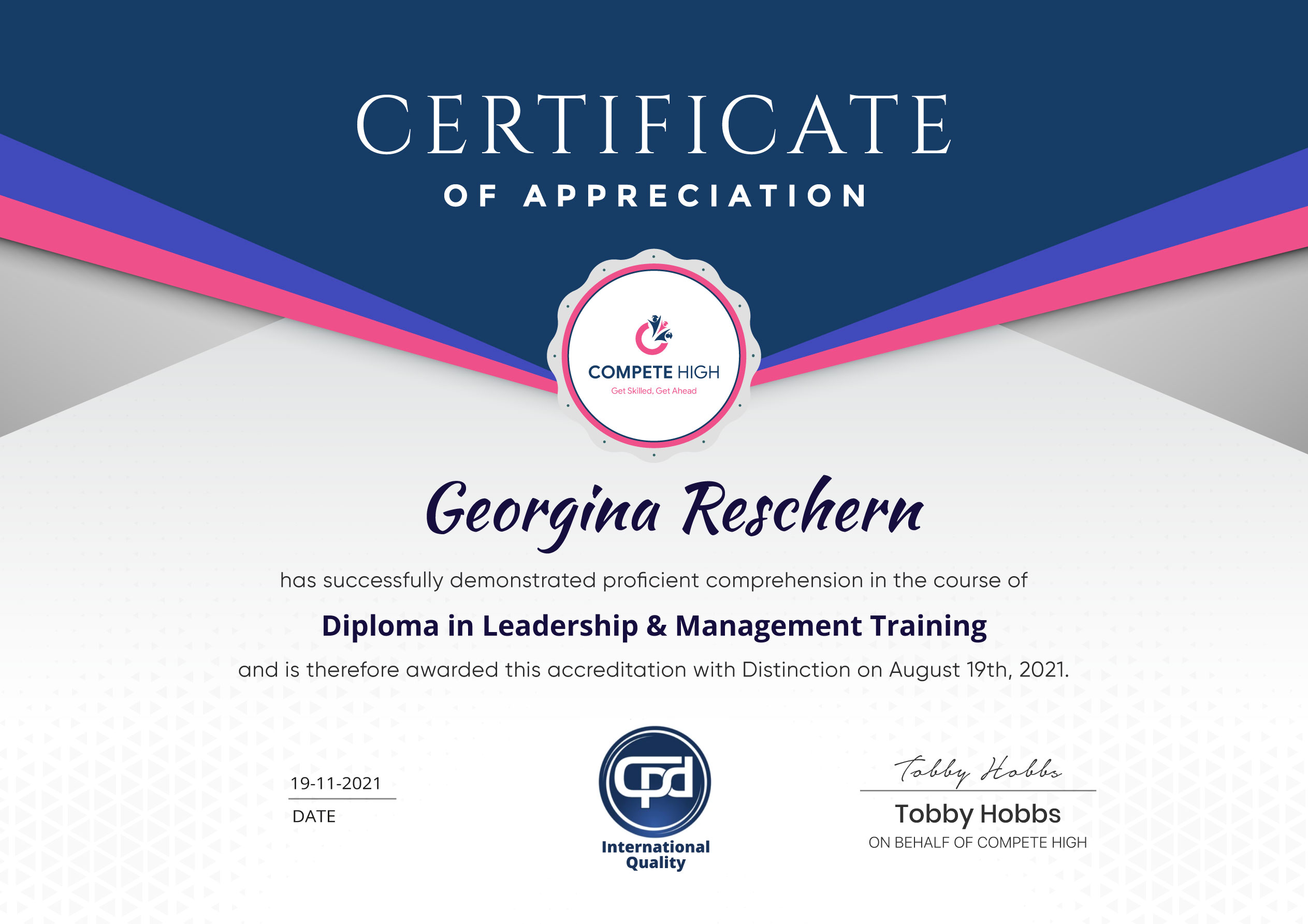
Certification
Perfect for showcasing your skills, boosting your career, and enhancing your professional profile.
Choose the format that works best for you:
-
PDF Certificate (£9.99) – Download instantly to add to your portfolio, résumé, LinkedIn, or share on social media.
-
Printed Hard Copy (£29.99) – A beautifully designed certificate delivered to your door, ready to proudly display in your office or home.
-
Both PDF & Printed Hard Copy (£31.99) – Get the best of both worlds!
Course Contents
Course Content
Module 1- Secure an Ubuntu Linux Server from Hackers Today!
-
Secure an Ubuntu Linux Server from Hackers Today!
00:00
Module 2- Choosing a server host and setup
Module 3- Accessing the Ubuntu Linux server with putty
Module 4- How to download Putty for Windows
Module 5- Using a password manager like LastPass
Module 6- Changing the password with passwd
Module 7- Adding a new user with adduser
Module 8- Signing in with the added user
Module 9- Usermod to give the user sudo or root privileges
Module 10- Verify sudo access on user
Module 11- Key basic Linux commands cd pwd and ls
Module 12- Updating with apt-get update
Module 13- Installing nano text editor
Module 14- Updating sshd_config with nano to PermitRootLogin no
Module 15- Changing the SSH port from 22 to another number
Module 16- Setting up RSA login by generating keys with puttygen
Module 17- Disabling password logins and ipv6 listening
Module 18- Locked out of server and have to start over!
Module 19- Back in with a fresh install!
Module 20- Installing fail2ban to block IPs from repeated failed logins
Module 21- Install UFW or Uniform Fire Wall to block some DDOS attacks and hacking attempts
Module 22- Install and configure ntp to sync time
Module 23- Thank you very much for watching this complete Ubuntu Linux server security setup tutorial
Assignment
Student Ratings & Reviews




Excellent
4.78 Average 173 Reviews
The courses are informative, easy to follow, and offer a wide range of topics to choose from.
The staff are incredibly friendly and responsive. I'm looking forward to returning for another course!
Thank you! I truly enjoyed my learning experience and found it to be both enriching and rewarding.
An incredibly straightforward course to follow, offering great insight into the subject. Many thanks.
All the courses are easily accessible, straightforward to understand, and highly informative.