EngageLive: Mastering YouTube Live Broadcasting

SPRING SUPER SALE! 1500+ COURSES AT ONLY £99 FOR LIFE. FIND OUT MORE
EngageLive: Mastering YouTube Live Broadcasting
Extra Included :
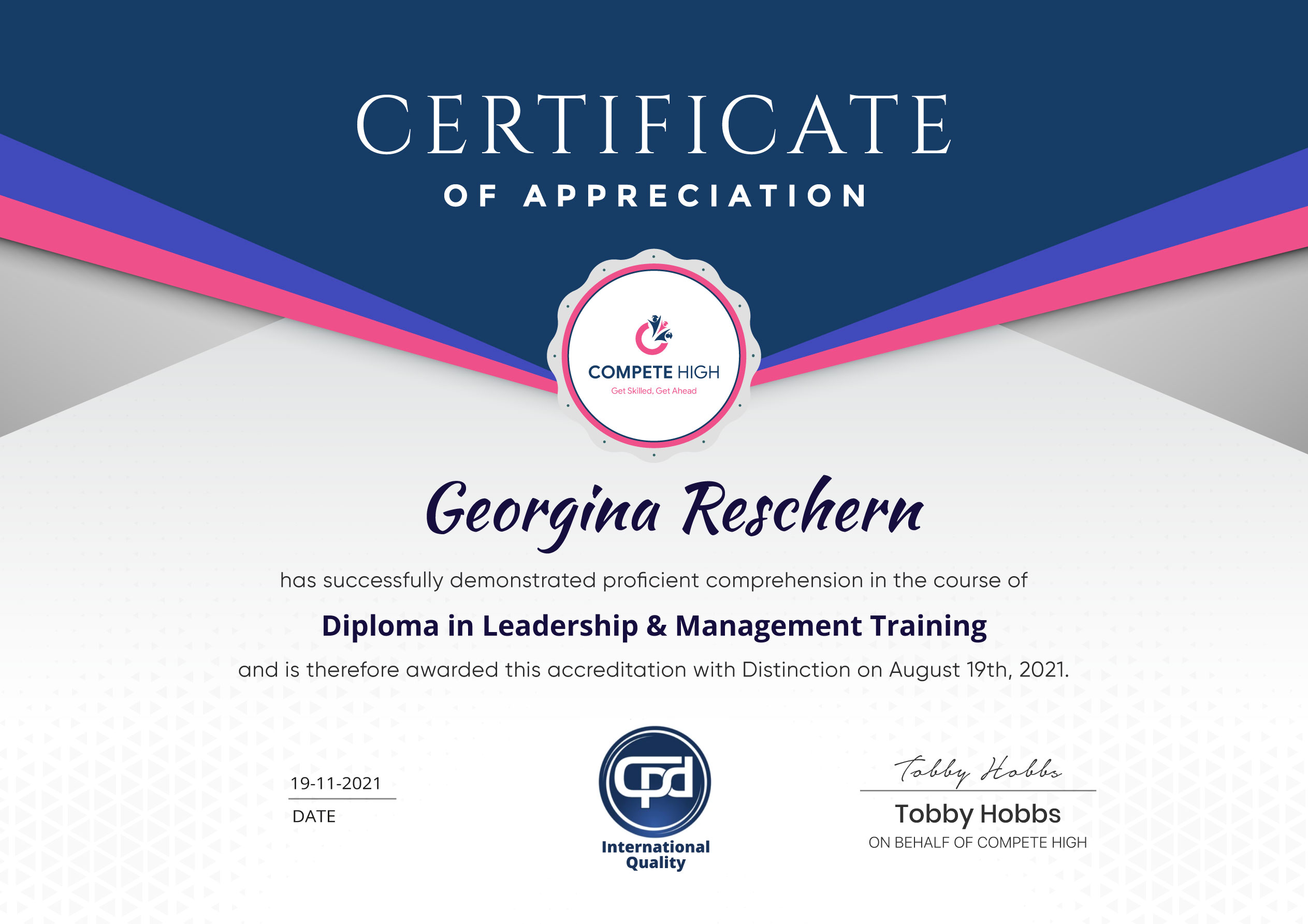
Accredited Certificate Available
Unlimited Access and Retakes
Free Enrollment Letter Included
CPD International Quality Accredited
Meets UK & EU legal requirements
Instant e-certificate and eligibility of ordering hardcopy
Developed by Industry Experts
Learn anytime from anywhere
Use any internet-connected device
24/7 Live Support
Discounts on bulk purchases
Certification
Perfect for showcasing your skills, boosting your career, and enhancing your professional profile.
Choose the format that works best for you:
-
PDF Certificate (£9.99) – Download instantly to add to your portfolio, résumé, LinkedIn, or share on social media.
-
Printed Hard Copy (£29.99) – A beautifully designed certificate delivered to your door, ready to proudly display in your office or home.
-
Both PDF & Printed Hard Copy (£31.99) – Get the best of both worlds!
Course Contents
Course Content
Basic
-
Overview
00:00 -
Minimum Equipment Needed for Desktop Streaming
00:00 -
Equipment Not Required But Good to Have
00:00 -
Equipment Not Required But Good To Have
00:00 -
Creating An Account
00:00 -
Channel Status and Features
00:00 -
Setting The Upload Defaults
00:00 -
Setting Up the Branding
00:00 -
Creating an Associated Website
-
Private Vs Unlisted Vs Public
00:00 -
Going Live From Your Desktop
00:00 -
Using the Events Tab
00:00 -
Advanced Info and Settings for Live Streaming
00:00 -
Google Hangout Settings
00:00 -
Google Hangout Left Margin Tools
00:00 -
Starting the Hangout for Live
00:00 -
Google Slides-Alternative to Using Chat
00:00 -
Restream For Facebook Live and YouTube Live Simultaneous Streaming
00:00 -
Streaming Through Mobile
00:00 -
Conclusion
00:00
Advanced
Student Ratings & Reviews


Excellent
4.78 Average 173 Reviews
The courses are informative, easy to follow, and offer a wide range of topics to choose from.
The staff are incredibly friendly and responsive. I'm looking forward to returning for another course!
Thank you! I truly enjoyed my learning experience and found it to be both enriching and rewarding.
An incredibly straightforward course to follow, offering great insight into the subject. Many thanks.
All the courses are easily accessible, straightforward to understand, and highly informative.