Creating Dynamic Websites with Wix

SPRING SUPER SALE! 1500+ COURSES AT ONLY £99 FOR LIFE. FIND OUT MORE
Creating Dynamic Websites with Wix
Creating Dynamic Websites with Wix – Get Certified and Job-Ready Fast
Overview
Creating Dynamic Websites with Wix is a short, practical, and career-oriented course designed for learners who want to build professional, interactive websites without spending months learning complex coding systems. In today’s competitive digital job market, speed and practical skills matter, and this course delivers both. Unlike lengthy web development programmes, this course allows learners to complete training quickly, earn a certificate fast, and move confidently toward employment or freelance opportunities.
This course focuses on real-world website creation using Wix, one of the most popular website-building platforms globally. With its short structure and hands-on approach, Creating Dynamic Websites with Wix is ideal for learners who want results quickly and want to become job-ready in a short time.
Description
Creating Dynamic Websites with Wix is designed to teach learners how to build engaging, functional, and visually appealing websites using Wix’s powerful tools and features. Rather than focusing on heavy coding theory, this course emphasizes practical website-building skills that are immediately applicable in real-world scenarios.
Learners are guided step by step through the Wix platform, starting from understanding plans and pricing, signing up, and building basic designs. As the course progresses, learners explore adding sections and pages, managing general and advanced settings, and configuring essential features such as email inboxes, quotes, invoices, and automated store communications. This structured approach ensures that learners understand not just how to design a website, but how to manage and maintain one professionally.
One of the strongest advantages of this course is its short completion time. Many similar courses require weeks or months of study, but this programme is designed for efficiency. Learners can complete the training quickly, receive a recognised certificate, and immediately apply their skills. This makes Creating Dynamic Websites with Wix particularly valuable for job seekers, freelancers, and entrepreneurs who need fast, practical results.
Course Curriculum
The course covers a wide range of essential Wix features, including:
-
Overview of Wix
-
Plans and Pricing
-
Wix Partner and Affiliate Programs
-
Sign Up and Basic Design
-
Adding a Section and Adding a Page
-
General Settings and Adding a Contributor
-
Advanced Settings (including store settings, automated order emails, paid videos, and Wix email inbox)
-
Quotes and Invoices
-
Video Settings and Upload
-
Live Streaming Video and Codecs
-
Blog Post Creation
-
Conclusion
Each topic is explained clearly and concisely, ensuring learners gain confidence without being overwhelmed.
Who Is This Course For?
Creating Dynamic Websites with Wix is suitable for a wide range of learners, including:
-
Beginners with no prior web design experience
-
Job seekers looking to gain digital skills quickly
-
Freelancers who want to offer website-building services
-
Small business owners who want to create their own websites
-
Students exploring careers in digital design or marketing
Because the course is shorter than many similar options, it is especially ideal for learners who want to become job-ready quickly and start applying their skills without delay.
Job Readiness and Career Benefits
This course is designed with employability in mind. Creating Dynamic Websites with Wix teaches practical skills that are in demand across industries such as marketing, e-commerce, education, and media. Employers and clients value candidates who can build and manage websites efficiently, and this course equips learners with exactly those capabilities.
The fast certification process allows learners to quickly strengthen their CV, portfolio, or freelance profile. Whether you are applying for an entry-level digital role or planning to work independently, the skills gained from this course can open doors to new opportunities.
Frequently Asked Questions (FAQ)
Q1: How long does the course take to complete?
The course is designed for fast completion, making it ideal for learners with limited time.
Q2: Will I receive a certificate?
Yes, learners receive a certificate upon successful completion of the course.
Q3: Do I need prior coding knowledge?
No coding experience is required. The course is beginner-friendly.
Q4: Can this course help me get a job?
Yes, the course focuses on practical skills that are relevant to entry-level digital and web-related roles.
Q5: Is the course fully online?
Yes, all materials are accessible online and can be studied at your own pace.
Extra Included :
Accredited Certificate Available
Unlimited Access and Retakes
Free Enrollment Letter Included
CPD International Quality Accredited
Meets UK & EU legal requirements
Instant e-certificate and eligibility of ordering hardcopy
Developed by Industry Experts
Learn anytime from anywhere
Use any internet-connected device
24/7 Live Support
Discounts on bulk purchases
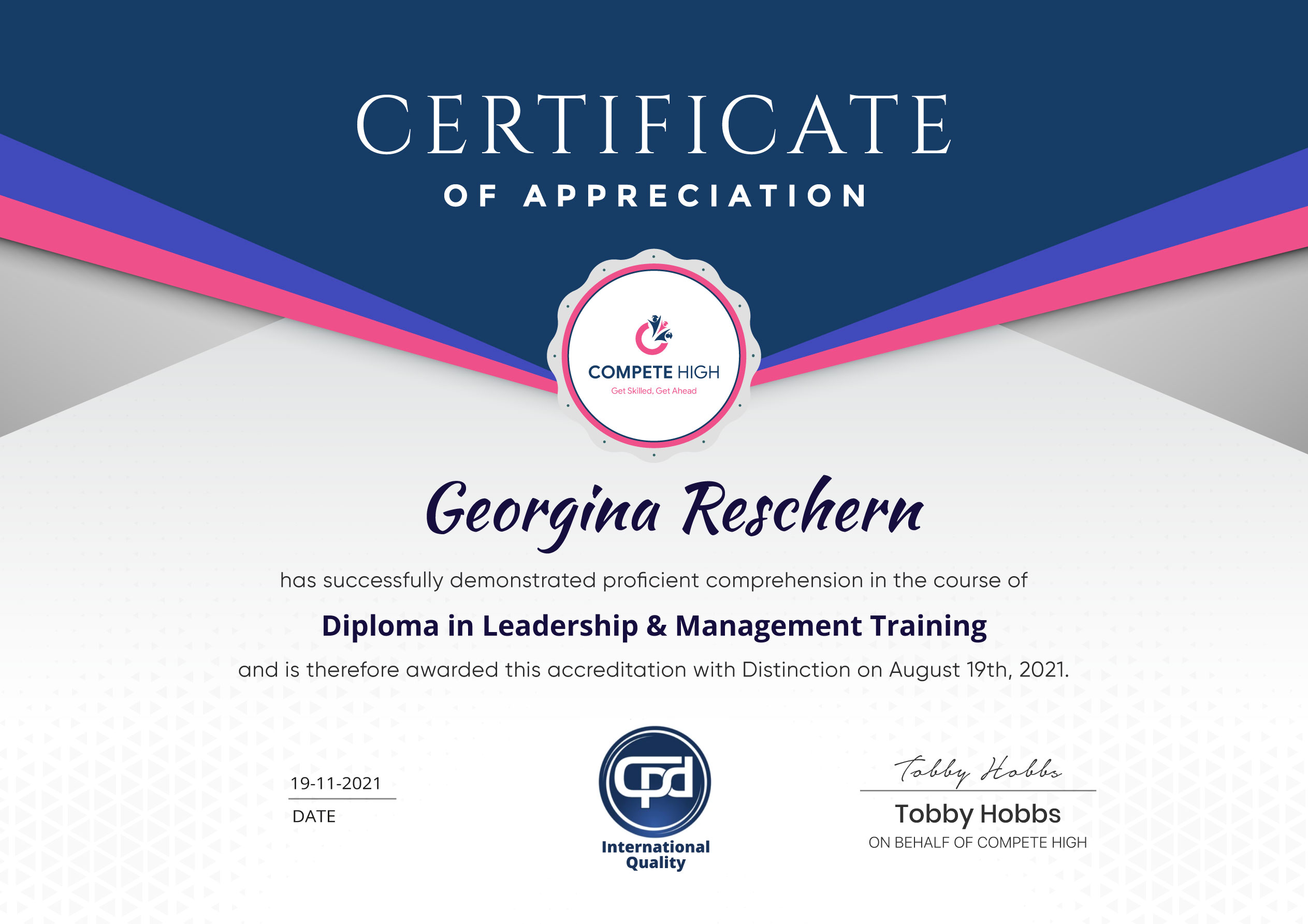
Certification
Perfect for showcasing your skills, boosting your career, and enhancing your professional profile.
Choose the format that works best for you:
-
PDF Certificate (£9.99) – Download instantly to add to your portfolio, résumé, LinkedIn, or share on social media.
-
Printed Hard Copy (£29.99) – A beautifully designed certificate delivered to your door, ready to proudly display in your office or home.
-
Both PDF & Printed Hard Copy (£31.99) – Get the best of both worlds!
Course Contents
Course Content
Basic
-
Overview
00:00 -
Plans and Pricing
00:00 -
Wix Partner and Affiliate Programs
00:00 -
Sign Up and Basic Design
00:00 -
Adding a Section
00:00 -
Adding a Page
00:00 -
General Settings
00:00 -
Adding a Contributor
00:00 -
Advanced Settings – Part 1
00:00 -
Advanced Settings – Store Settings – Automated Order E-Mails
00:00 -
Advanced Settings – Paid Videos
00:00 -
Advanced Settings – Wix E-Mail Inbox
00:00 -
Advanced Settings – Quotes and Invoices
00:00 -
Video Settings Upload
00:00 -
Video Settings – Part 2
00:00 -
Live Streaming Video – Part 1
00:00 -
Live Streaming Video – Part 2
00:00 -
Live Streaming Codecs and Video Channels
00:00 -
Blog Post Creation
00:00 -
Conclusion
00:00
Advanced
Student Ratings & Reviews


Excellent
4.78 Average 173 Reviews
The courses are informative, easy to follow, and offer a wide range of topics to choose from.
The staff are incredibly friendly and responsive. I'm looking forward to returning for another course!
Thank you! I truly enjoyed my learning experience and found it to be both enriching and rewarding.
An incredibly straightforward course to follow, offering great insight into the subject. Many thanks.
All the courses are easily accessible, straightforward to understand, and highly informative.