CPanel Kickoff: A Beginner’s Guide

SPRING SUPER SALE! 1500+ COURSES AT ONLY £99 FOR LIFE. FIND OUT MORE
CPanel Kickoff: A Beginner’s Guide
CPanel Kickoff: A Beginner’s Guide is a fast, practical, and career-oriented course designed to teach learners how to manage websites, domains, emails, and server settings using cPanel. This course is intentionally shorter than other web hosting or server management programs, allowing learners to complete it quickly and earn a certificate in record time. The accelerated format makes it ideal for individuals who want to become job-ready fast or add a highly sought-after technical skill to their professional profile.
The course focuses on both the essential and practical aspects of cPanel, giving learners the confidence to manage hosting accounts, organize files, configure emails, monitor site metrics, and apply security measures. With clear, hands-on instruction, CPanel Kickoff: A Beginner’s Guide ensures students gain skills they can use immediately in professional and freelance environments.
Description
CPanel Kickoff: A Beginner’s Guide provides a streamlined learning path that breaks down complex hosting and server management tasks into easy-to-follow steps. The course begins with the Files Section, including the file manager and backup procedures, teaching learners how to organize and protect website content efficiently. FTP account configuration is covered to enable secure file transfers.
The Domain Section introduces site publishing, subdomain setup, and domain management techniques to give learners full control over their websites. CPanel Kickoff: A Beginner’s Guide also includes comprehensive lessons on the E-Mail Section, covering email account creation, forwarding, and spam monitoring to maintain professional communication standards.
Learners explore the Metrics Section, gaining the ability to monitor site traffic, performance, and visitor behavior. The Security Section covers hotlink protection, IP blocking, and best practices to protect websites from common online threats. Advanced tools in the Site Software and Advanced Sections are introduced gradually to build competence and confidence without overwhelming beginners.
The course also walks learners through preferences, basic software tools, and an introduction to Fantastico, empowering them to install applications and manage hosting environments effectively. Every lesson is structured for quick learning, making it possible to earn a certificate faster than with traditional, longer programs.
By completing CPanel Kickoff: A Beginner’s Guide, students gain practical, real-world knowledge that is immediately applicable for managing websites, supporting clients, or assisting IT teams. The course emphasizes hands-on learning, ensuring learners are prepared to contribute to professional projects confidently.
Who Is This Course For
CPanel Kickoff: A Beginner’s Guide is perfect for beginners who want to learn cPanel without spending months in long technical courses. It is especially suited for job seekers pursuing roles in web hosting support, IT administration, digital marketing support, or website management.
Freelancers, small business owners, and web developers who need to manage hosting environments will also benefit. Career switchers seeking fast, practical skills and a certificate they can add to their resumes will find this course highly valuable. If your goal is to become job-ready quickly with in-demand web hosting skills, this course is tailored for you.
Key Benefits
-
Shorter course duration for rapid completion
-
Certificate earned quickly to enhance resumes and job applications
-
Practical, real-world cPanel management skills
-
Beginner-friendly lessons with clear, step-by-step guidance
-
Ideal for employment, freelancing, and IT-related roles
FAQ
How long does it take to complete the course?
The course is designed to be concise. Most learners finish it much faster than traditional web hosting programs and earn their certificate quickly.
Will this course help me become job-ready?
Yes. CPanel Kickoff: A Beginner’s Guide emphasizes practical skills that employers value in web hosting, IT support, and website management roles.
Do I need prior web hosting experience?
No prior experience is required. The course starts from the basics and builds up to advanced tools and configurations.
Can this course help me manage websites for businesses or freelance clients?
Absolutely. The course covers all essential cPanel tools, including files, domains, emails, metrics, and security.
Does the certificate have professional value?
Yes. Completing CPanel Kickoff: A Beginner’s Guide provides a certificate demonstrating job-ready skills in cPanel and web hosting management.
Conclusion
If you are looking for a fast, practical way to learn cPanel and gain career-ready skills, CPanel Kickoff: A Beginner’s Guide is the ideal solution. Its accelerated structure allows learners to complete the course quickly, earn a certificate, and apply their knowledge immediately. By finishing CPanel Kickoff: A Beginner’s Guide, you position yourself as a confident, capable professional ready to manage websites, support IT operations, and contribute to digital projects—without the delays of traditional, lengthy training programs.
Extra Included :
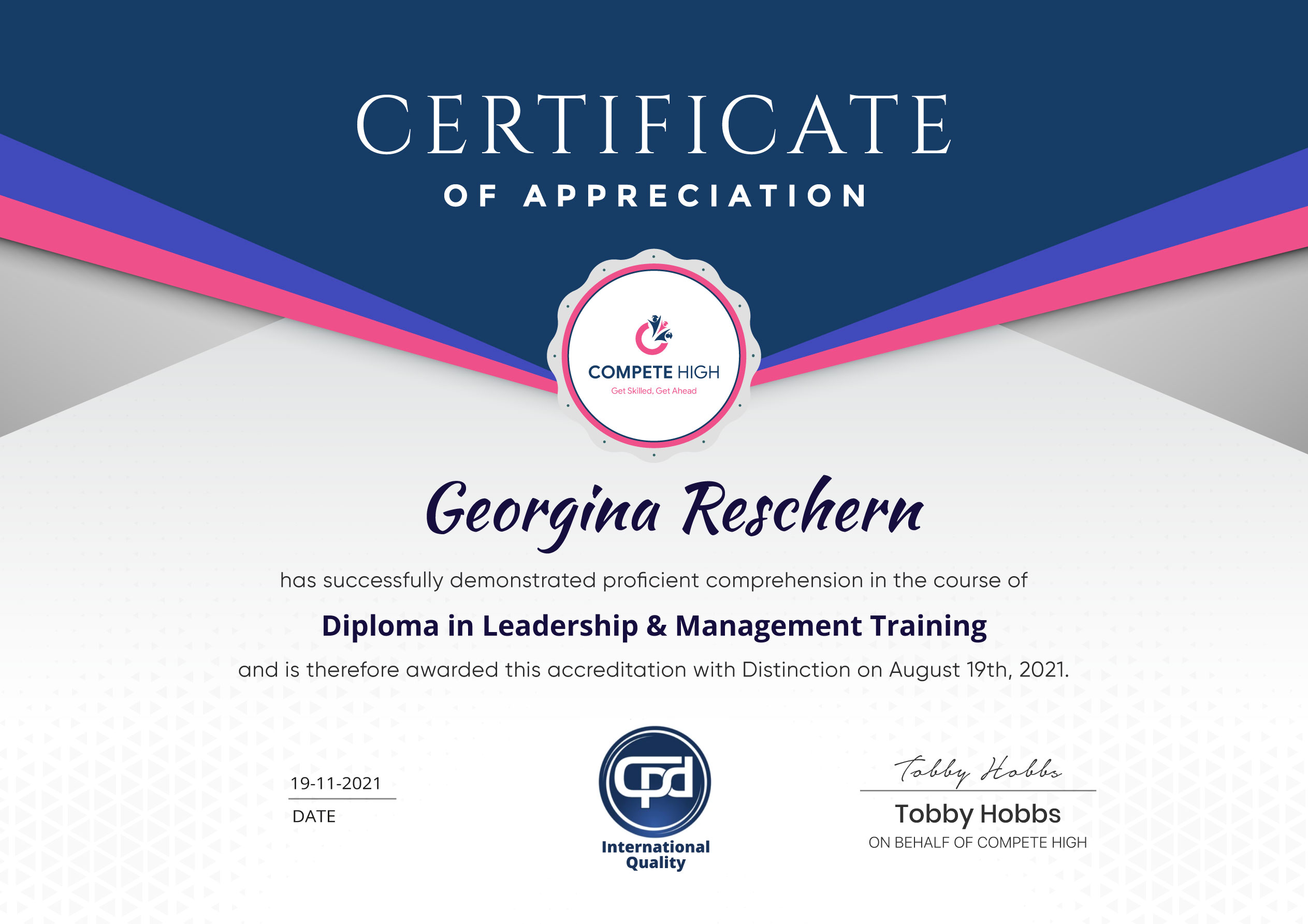
Accredited Certificate Available
Unlimited Access and Retakes
Free Enrollment Letter Included
CPD International Quality Accredited
Meets UK & EU legal requirements
Instant e-certificate and eligibility of ordering hardcopy
Developed by Industry Experts
Learn anytime from anywhere
Use any internet-connected device
24/7 Live Support
Discounts on bulk purchases
Certification
Perfect for showcasing your skills, boosting your career, and enhancing your professional profile.
Choose the format that works best for you:
-
PDF Certificate (£9.99) – Download instantly to add to your portfolio, résumé, LinkedIn, or share on social media.
-
Printed Hard Copy (£29.99) – A beautifully designed certificate delivered to your door, ready to proudly display in your office or home.
-
Both PDF & Printed Hard Copy (£31.99) – Get the best of both worlds!
Course Contents
Course Content
Basic
-
Overview
00:00 -
Files Section
00:00 -
File Section File Manager
00:00 -
Backup
00:00 -
FTP Accounts
00:00 -
Domain Section
00:00 -
Site Publisher – Domain Section
00:00 -
Sub Domains
00:00 -
E-Mail Section
00:00 -
E-Mail Accounts
00:00 -
E-Mail Section Forwarders
00:00 -
Spam Monitoring
00:00 -
Metrics Section
00:00 -
Security Section – Hotlink Protection
00:00 -
Ip Blocker – Security Section
00:00 -
Site Software – Software Section
00:00 -
Advanced Section
00:00 -
Preferences Section
00:00 -
Introduction To Fantastico
00:00 -
Conclusion
00:00
Advanced
Student Ratings & Reviews



Excellent
4.78 Average 173 Reviews
The courses are informative, easy to follow, and offer a wide range of topics to choose from.
The staff are incredibly friendly and responsive. I'm looking forward to returning for another course!
Thank you! I truly enjoyed my learning experience and found it to be both enriching and rewarding.
An incredibly straightforward course to follow, offering great insight into the subject. Many thanks.
All the courses are easily accessible, straightforward to understand, and highly informative.