Microsoft Word Online Training

SPRING SUPER SALE! 1500+ COURSES AT ONLY £99 FOR LIFE. FIND OUT MORE
Microsoft Word Online Training
Overview of Microsoft Word Online Training
With the ever-increasing demand for Microsoft Word in personal and professional settings, this Microsoft Word online training aims at educating, nurturing, and upskilling individuals. This ensures you stay ahead of the curve, regardless of your level of expertise in Microsoft Word.
Getting to know about Microsoft Word or keeping up to date on it can be confusing at times, and maybe even daunting! But that’s not the case with this course from Compete High. We understand the different requirements coming with a wide variety of demographics looking to get skilled in Microsoft Word. That’s why we’ve developed this online training in a way that caters to learners with different goals in mind. The course materials are developed with input from experts, and Microsoft Word information is kept up-to-date regularly. This ensures that learners stay current with the latest trends and updates without falling behind.
The self-paced online learning methodology by Compete High in this Microsoft Word Online Training helps you learn whenever or however you wish, keeping in mind the busy schedule or possible inconveniences that come with physical classes. The easy-to-grasp, bite-sized lessons are proven to be most effective in memorising and learning the lessons by heart. On top of that, you have the opportunity to receive a Microsoft Word certificate after successfully completing the course!
Instead of searching for hours, enrol right away in this online Microsoft Word course from Compete High and accelerate your career on the right path with expertly outlined lessons and a guarantee of success in the long run.
Who is this Course for?
While we refrain from discouraging anyone wanting to do this Microsoft Word Online Training course or imposing any sort of restrictions on doing this online training, people meeting any of the following criteria will benefit the most from it:
- Anyone looking for the basics of Microsoft Word,
- Jobseekers across industries/domains,
- Anyone with ground knowledge/intermediate expertise in Microsoft Word,
- Anyone looking for a certificate of completion on doing an online training on this topic,
- Anyone with a general interest/curiosity
Career Path
This Microsoft Word course smooths the way up your career ladder with all the relevant information, skills, and a diploma in Microsoft Word. After successfully completing the course, you can expect to move one significant step closer to achieving your professional goals — whether it’s securing that job you desire, getting the promotion you deserve, or setting up that business of your dreams.
Extra Included :
Accredited Certificate Available
Unlimited Access and Retakes
Free Enrollment Letter Included
CPD International Quality Accredited
Meets UK & EU legal requirements
Instant e-certificate and eligibility of ordering hardcopy
Developed by Industry Experts
Learn anytime from anywhere
Use any internet-connected device
24/7 Live Support
Discounts on bulk purchases
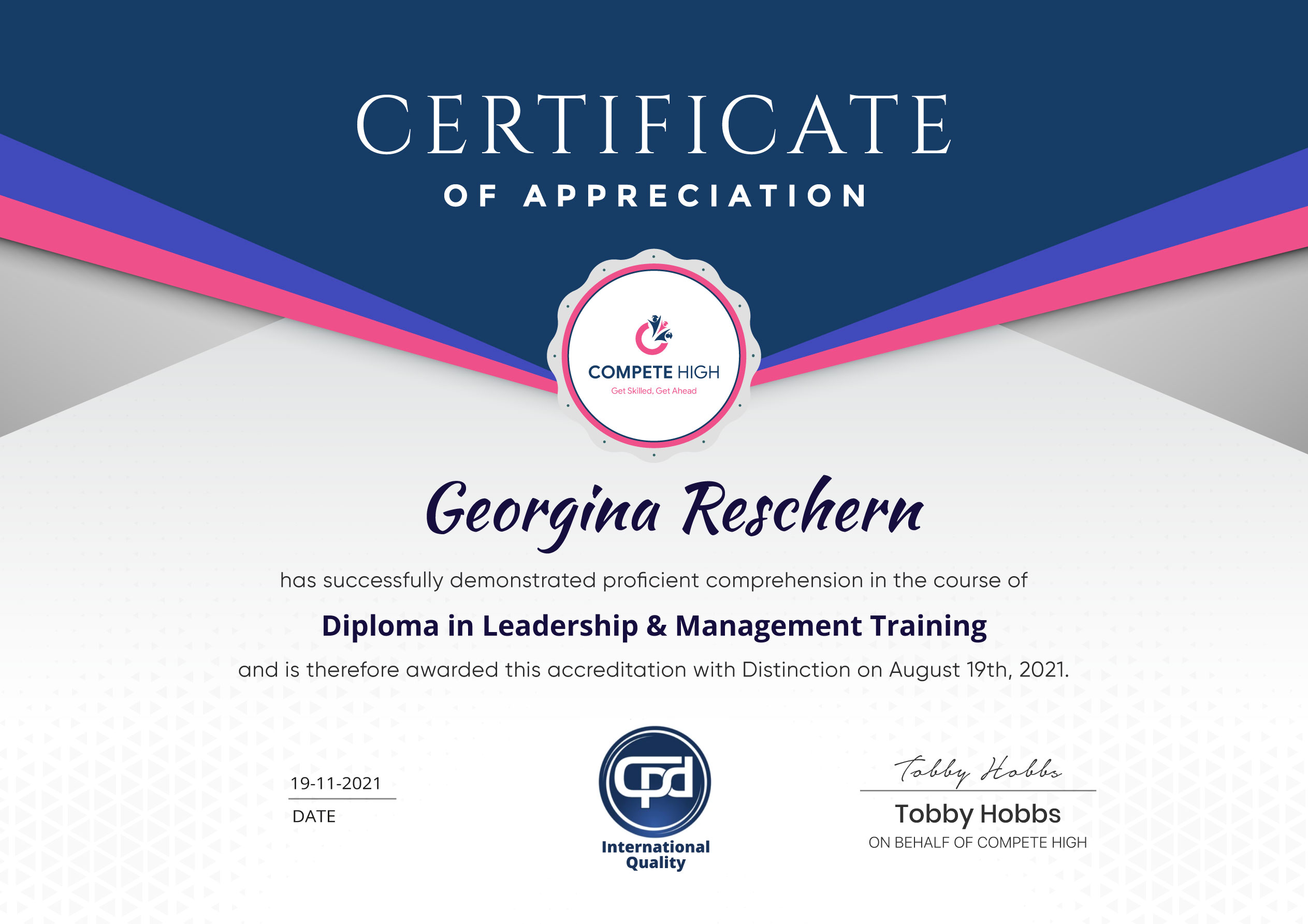
Certification
Perfect for showcasing your skills, boosting your career, and enhancing your professional profile.
Choose the format that works best for you:
-
PDF Certificate (£9.99) – Download instantly to add to your portfolio, résumé, LinkedIn, or share on social media.
-
Printed Hard Copy (£29.99) – A beautifully designed certificate delivered to your door, ready to proudly display in your office or home.
-
Both PDF & Printed Hard Copy (£31.99) – Get the best of both worlds!
Anyone that is looking to develop their skills in the subjects of the course or improve their professional outcomes are welcome to take these courses.
Our courses are assured and accredited by several organisations including CPD IQ, IOAS, CPD Group, and more. All of our courses are CPD accredited.
You are eligible for a course certificate upon completion. In some cases, you will need to purchase the certificate. In the purchase details, you will need to include the course details. Or you could also go to this link and submit your details after purchase.
There are all kinds of contents you can find on our site. This includes PDF files, videos, and extra materials. Also, most courses come with assessments that you will need to complete.
All you have to do is buy the course. This means that you have to add the course to cart and then complete the steps to purchase. Once you have completed the purchase, you can find it in your user dashboard.
Course Contents
Course Content
Module 01 – Introduction to Microsoft Word
-
Introduction to Microsoft Word
00:00
Module 02 – Formatting text of a Modern Document
Module 03 – Enhancing a document’s contents
Module 04 – Basic Graphics tools
Module 05 – Presenting a Document
Module 06 – Reviewing and Finalizing Documents
Assignment
Student Ratings & Reviews


Excellent
4.78 Average 173 Reviews
The courses are informative, easy to follow, and offer a wide range of topics to choose from.
The staff are incredibly friendly and responsive. I'm looking forward to returning for another course!
Thank you! I truly enjoyed my learning experience and found it to be both enriching and rewarding.
An incredibly straightforward course to follow, offering great insight into the subject. Many thanks.
All the courses are easily accessible, straightforward to understand, and highly informative.